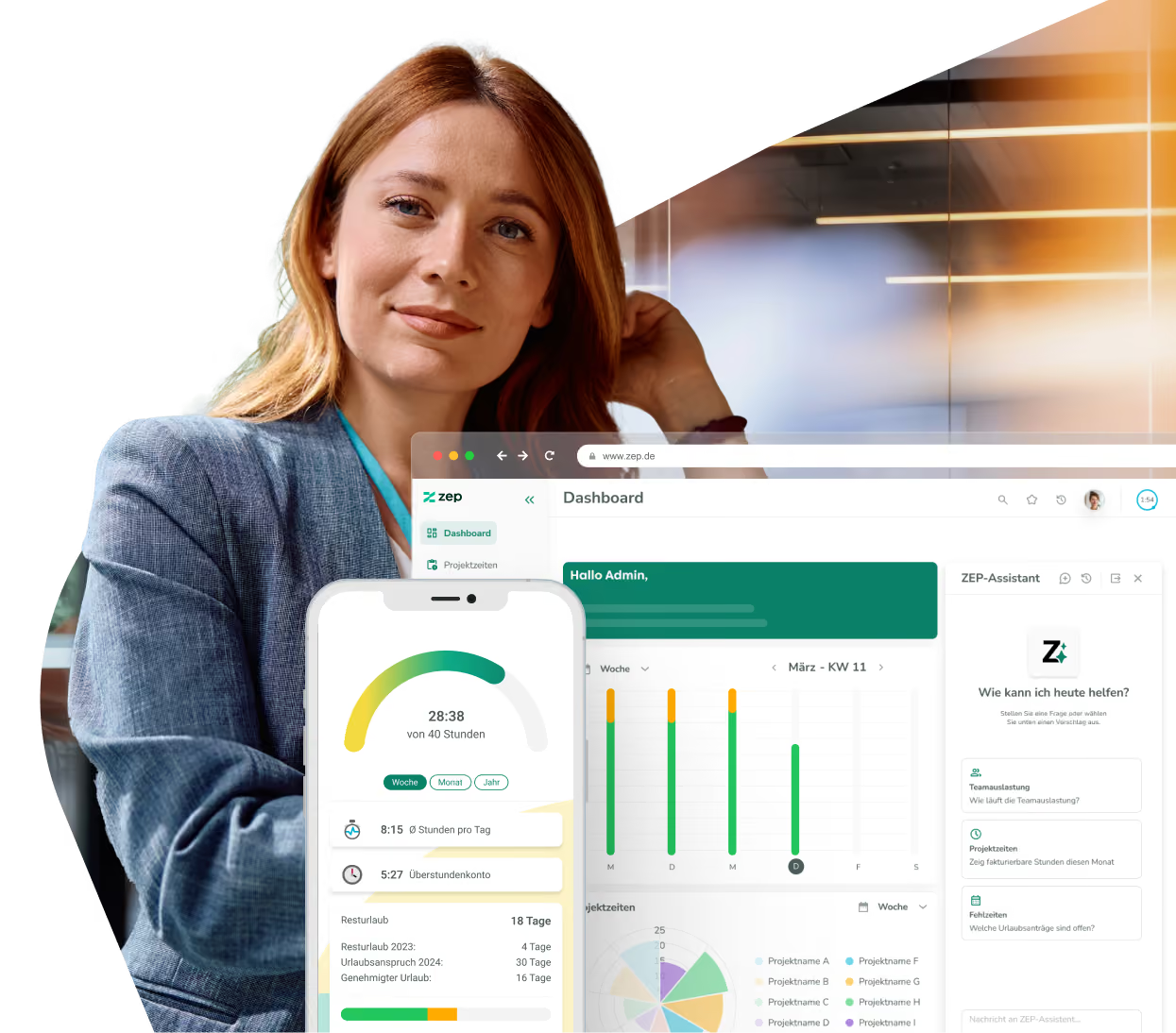
DATEV integration for invoices, receipts, and payroll
From project time tracking straight into accounting. With the ZEP DATEV integration, you transfer invoices and receipts in DATEV-compliant format – and automatically synchronize working hours, absences, and employee master data with DATEV Lohn & Gehalt and DATEV LODAS. No manual transfers, no system gaps.


More than 3,000 companies rely on ZEP


Benefits of the DATEV integration
Time tracking and accounting in one flow – DATEV-compliant and audit-proof.
Export invoices and receipts in DATEV-compliant format
- Invoices and expense reports are exported in DATEV XML format with document links
- Receipts are transferred as a ZIP archive with PDF and posting batch
- Direct upload to DATEV Online – no detour via manual file imports
Transfer working hours and absences to DATEV
- Working hours recorded in ZEP are automatically exported to DATEV Lohn & Gehalt or LODAS
- Absences are transferred with the matching DATEV wage types and absence keys
- Export flexibly controlled by department, month, and employee
Synchronize employee master data
- Master data such as contact details and personnel information flows automatically from DATEV to ZEP
- New employees in DATEV are created automatically in ZEP
- DATEV remains the leading system for HR data – changes are adopted right away


ZEP in vollem Funktionsumfang 14 Tage kostenlos testen

How to configure the DATEV integration
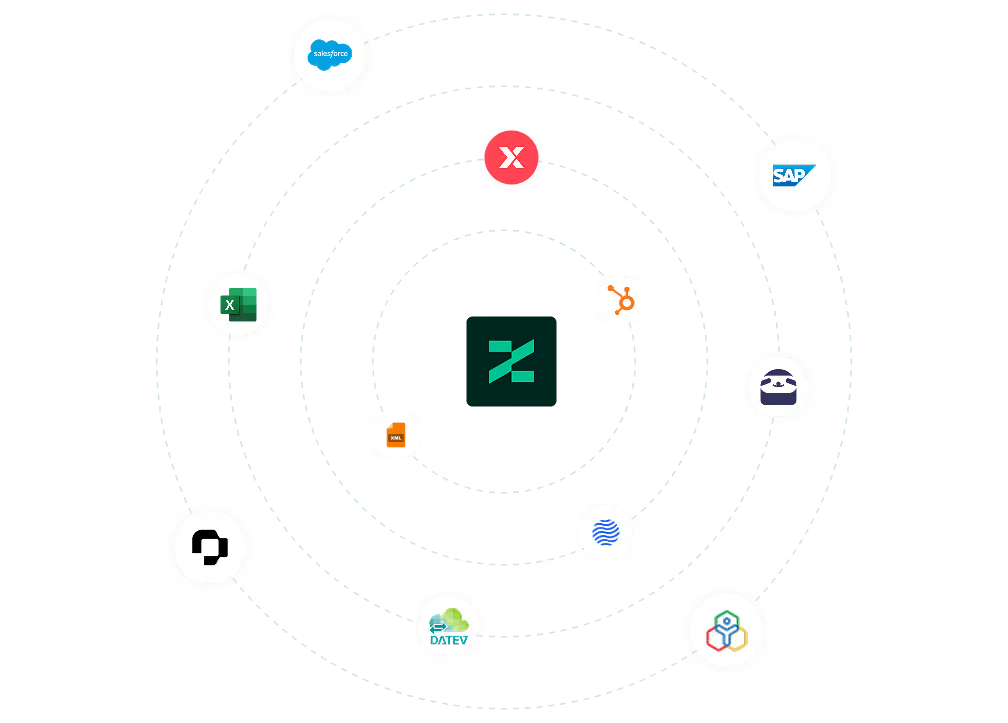
Connect DATEV with ZEP
The DATEV integration covers two areas: the accounting export (invoices & receipts) and payroll accounting (Lohn & Gehalt / LODAS). For payroll, you need the DATEV services Lohnimportdatenservice and Lohnergebnisdatenservice – already included in many DATEV packages.
After activation, enter your consultant number and client number in ZEP under Administration > Interfaces > DATEV and establish the connection by clicking “Connect DATEV data service”. For automatic master data synchronization, finally create a DATEV synchronization task under Administration > System > Tasks.

FAQ
Frequently asked questions and answers about the ZEP DATEV integration.
What is DATEV and how does it differ from ZEP?
DATEV is the leading provider of accounting, tax, and payroll software in Germany and the standard system used by most tax advisors. ZEP is a project time tracking and billing platform for service providers. The integration connects both worlds: invoices, receipts, and working hours are created in ZEP and transferred to DATEV in an audit-proof way – for seamless collaboration with accounting and your tax advisor.
Who is the DATEV integration with ZEP suitable for?
The integration is suitable for service and consulting companies that use ZEP for project times and billing and DATEV for accounting and payroll. Companies that want to hand over invoices to DATEV in an audit-proof way, export payroll data automatically, and minimize manual effort between time tracking and their tax advisor benefit most.
How are invoices and receipts transferred to DATEV?
Invoices and expense reports are exported in DATEV XML format – as a posting batch with associated receipts as a ZIP archive. Via the DATEV Online interface, data can be uploaded directly from ZEP without manual file transfers. All uploaded receipts are traceable in the DATEV upload log in ZEP.
Do the DATEV services need to be booked separately?
For payroll, you need the DATEV services Lohnimportdatenservice and Lohnergebnisdatenservice. These are already included in many DATEV packages. If your tax advisor or an external payroll office handles your payroll, they can arrange the booking of the services directly.
What data does ZEP transfer to DATEV for payroll?
ZEP transfers employees' recorded working hours as well as absence data including the matching DATEV wage types and absence keys. The export can be filtered by department, month, and individual employees and transferred directly to DATEV – without manual intermediate steps.
Which DATEV products does the ZEP integration support?
ZEP supports the transfer of invoice and receipt data via the DATEV XML interface as well as direct upload to DATEV Online. For payroll, both DATEV Lohn & Gehalt and DATEV LODAS are supported. Synchronization runs via the DATEV services Lohnimportdatenservice and Lohnergebnisdatenservice.
Try ZEP free for 14 days - full access to all features
ZEP is powerful, easy to use and can adapt to your needs. See for yourself!