
ZEP Webinars
Easy to discover & understand
Live webinars for project-based service providers: compact product demos, topic-specific webinars, and conversations with ZEP customers. Free, no preparation required, with time for your questions.

More than 3,000 companies rely on ZEP



Product webinars
25-minute live demo: See how project hours are tracked accurately, budgets are managed in real time, and invoices are generated directly from time entries. Jump in wherever you need the most help.
Time tracking
From Excel to clean project times
Project time tracking made easy – track, approve, invoice
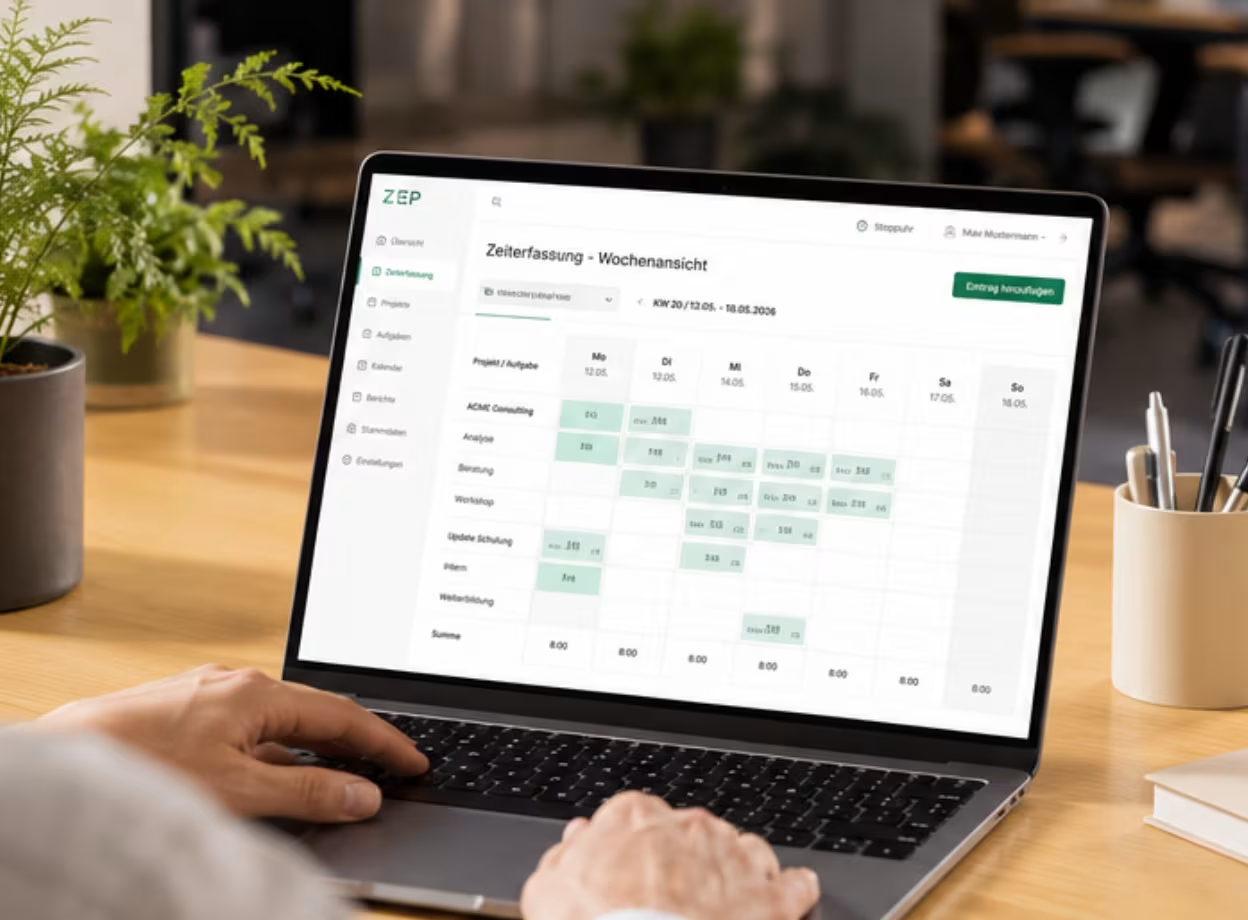
We will show you live in ZEP how to accurately track project and working hours, how breaks and absences are automatically recorded in compliance with the law, and how these translate into billable services.

Project controlling
Real-time budgets and capacity utilization
How to keep complex project controlling under control across multiple projects
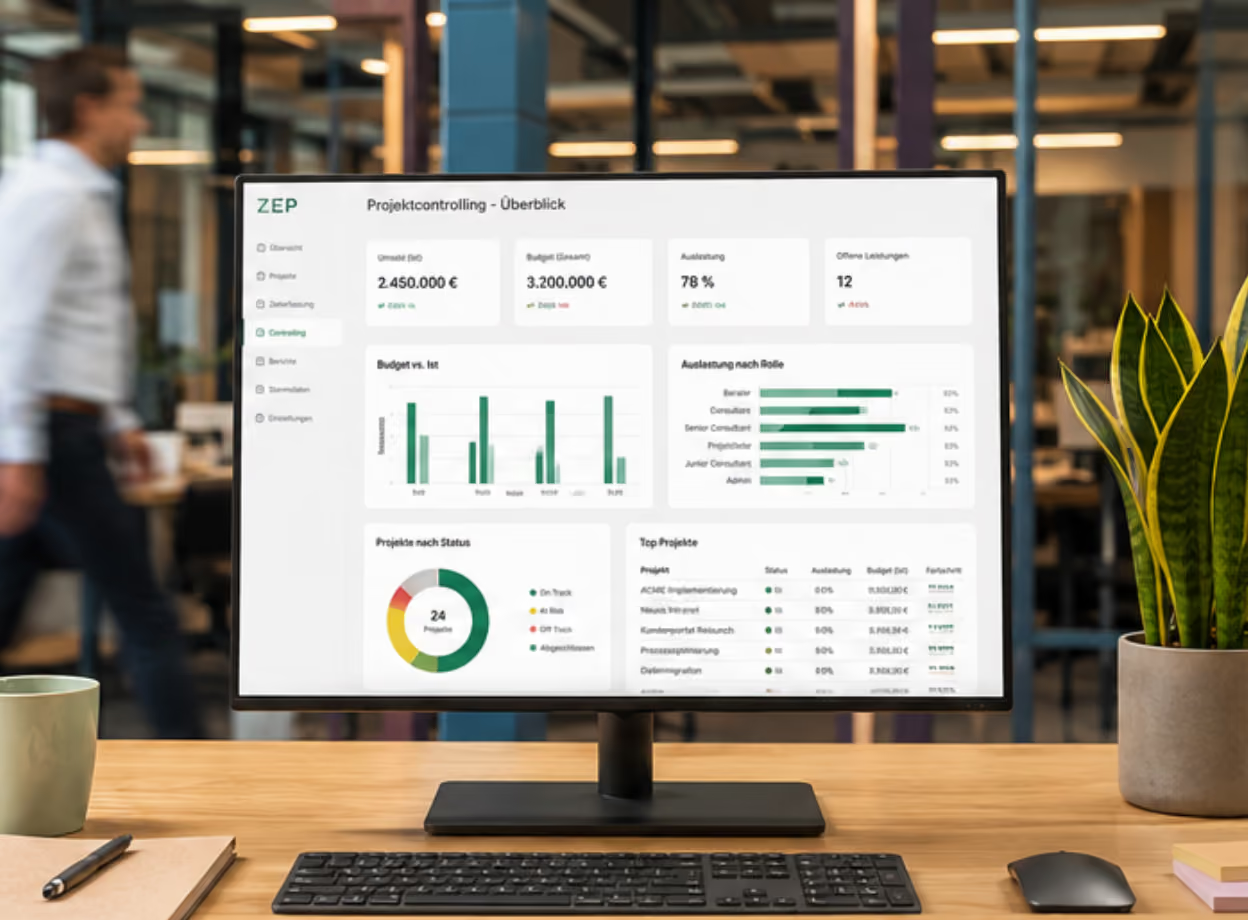
We will show you live how planned hours, budgets, and team utilization become visible in real time, how time entries are reviewed and approved, and how to spot deviations while there is still time to take action.
PSA
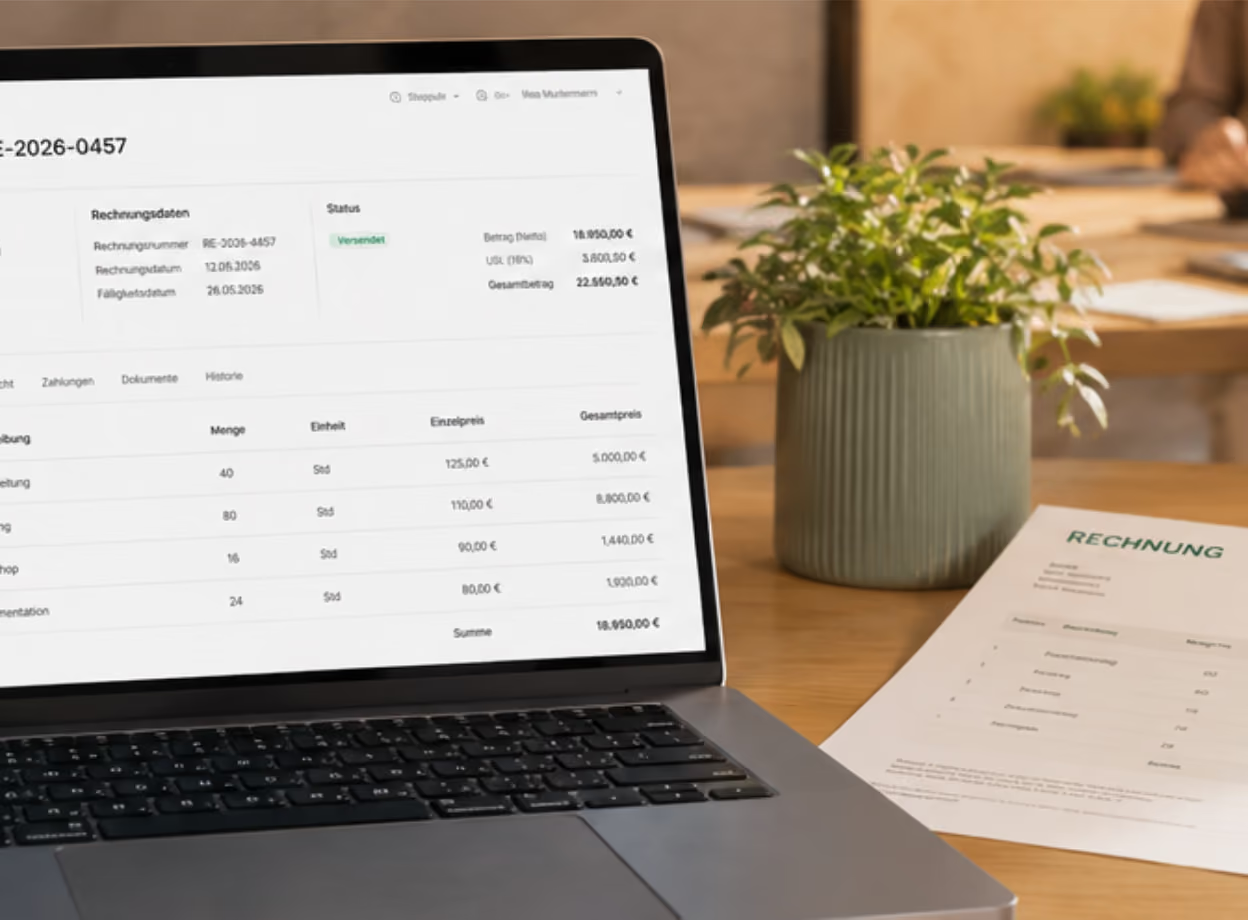
Project business from quote to invoice
How to manage everything in one system – planning, controlling, invoicing, and DATEV export
We will show you live how management and controlling can keep track of every project's profitability in real time, from quote acceptance to invoicing, without manual data transfers between tools.
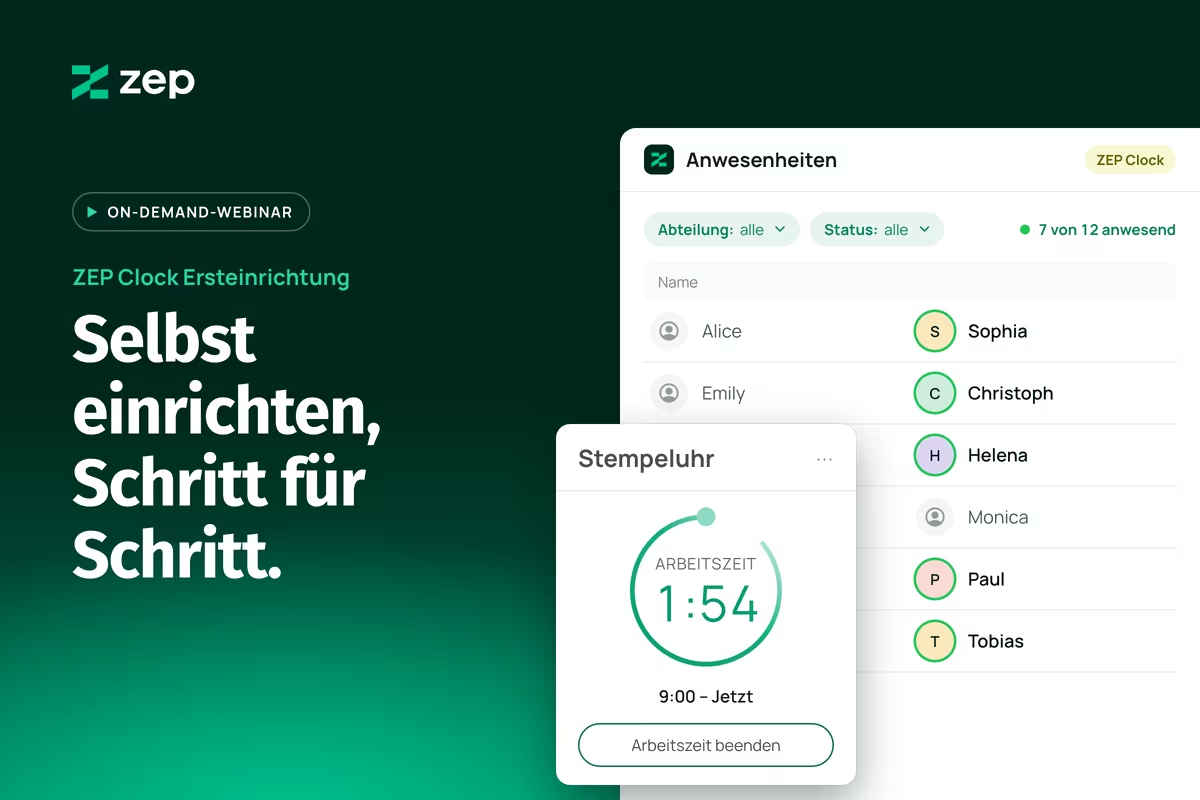
Set up ZEP Clock in 60 minutes
Get more out of your ZEP
25-minute live demo: See how to accurately track project time, manage budgets in real time, and generate invoices directly from hours worked. Jump in wherever you need the most help.

Features
ZEP MCP & ZEP Pulse
Book hours completely with ZEP Pulse and use ZEP via Claude or ChatGPT
We show how ZEP Pulse makes sure your project figures are complete and how you query them with ZEP MCP in Claude or ChatGPT, for quotes based on the effort actually incurred and mid-month budget checks. Time for your questions follows.

Features
Employee Files & HR Management
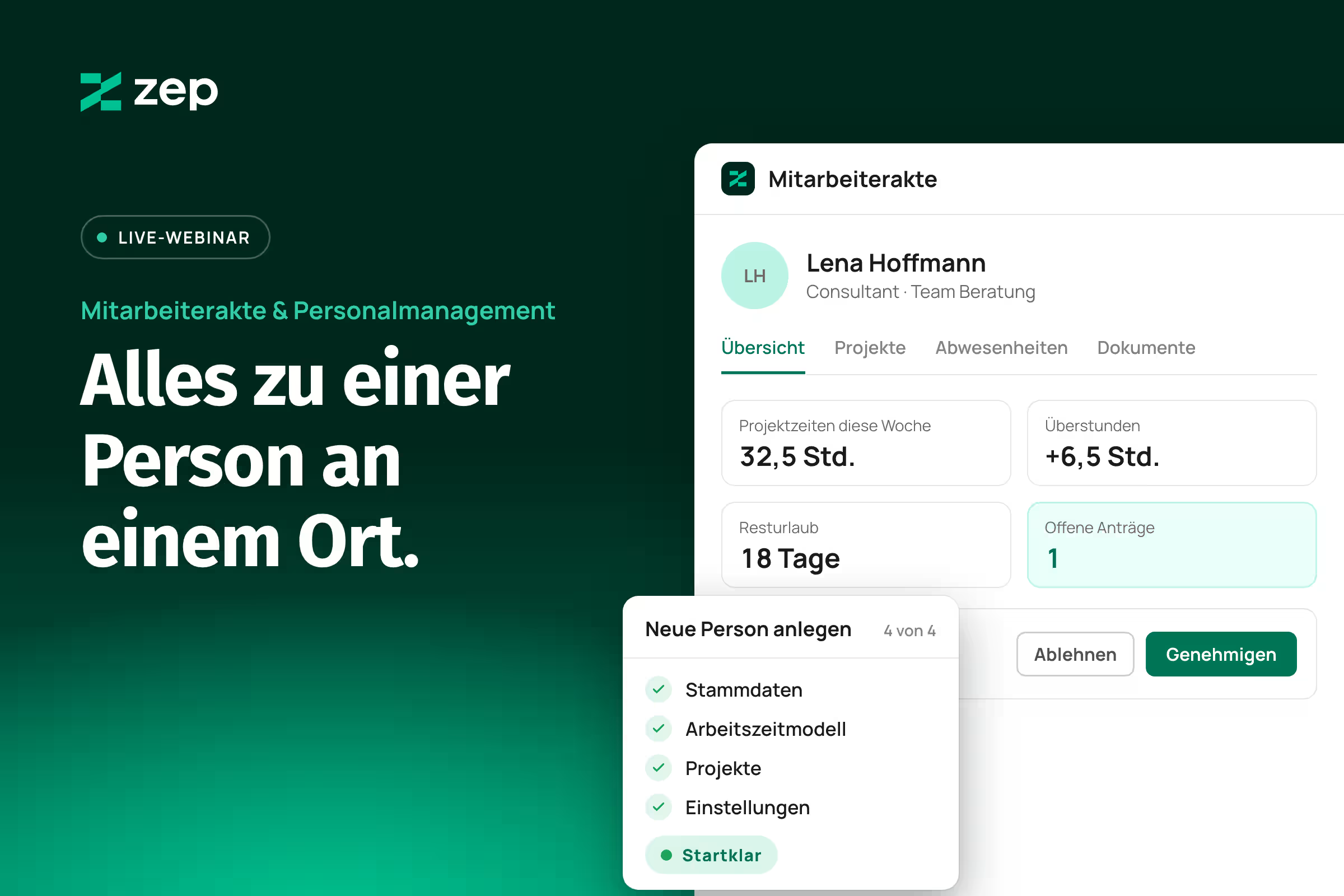
Get new employees up and running in four steps and keep track of everything
We show how to set up new employees in four steps, see one person's project hours, overtime, remaining vacation and requests at a glance, and what the HR Management add-on adds. Time for your questions follows.
FAQs
Frequently asked questions about ZEP.
What is ZEP?
ZEP is an innovative platform for efficiently managing projects and working hours. It enables users to record working hours intuitively, plan projects in a structured manner and handle all aspects of project management digitally — from time recording and planning to billing and evaluation.
How much does ZEP cost?
ZEP is available in product lines with a fixed scope of services, all prices per user per month:
- ZEP Track: €9 with an annual contract, €12 monthly – Project time tracking: book hours to customers and projects.
- ZEP Control: €19 with an annual contract, €25 monthly – Project management with project planning, revenue, and costs.
- ZEP Operations: €29 with an annual contract, €35 monthly – Professional Services Automation from quote to invoice.
- ZEP Business: €39 with an annual contract, €45 monthly – ERP for professional services across multiple companies.
For pure working time tracking without project reference, ZEP Clock is available from €4.50 with an annual contract, €6 monthly. You save up to 25% with an annual contract.
Can I test ZEP?
Yes, ZEP offers a free trial that allows you to 14 days be able to try out all functions of the platform without obligation. This gives you the opportunity to get to know the benefits of ZEP before you opt for a paid subscription. If you have any questions about the setup, you can get a personalized demo from our support team or attend one of our free live webinars.
What AI features does ZEP have
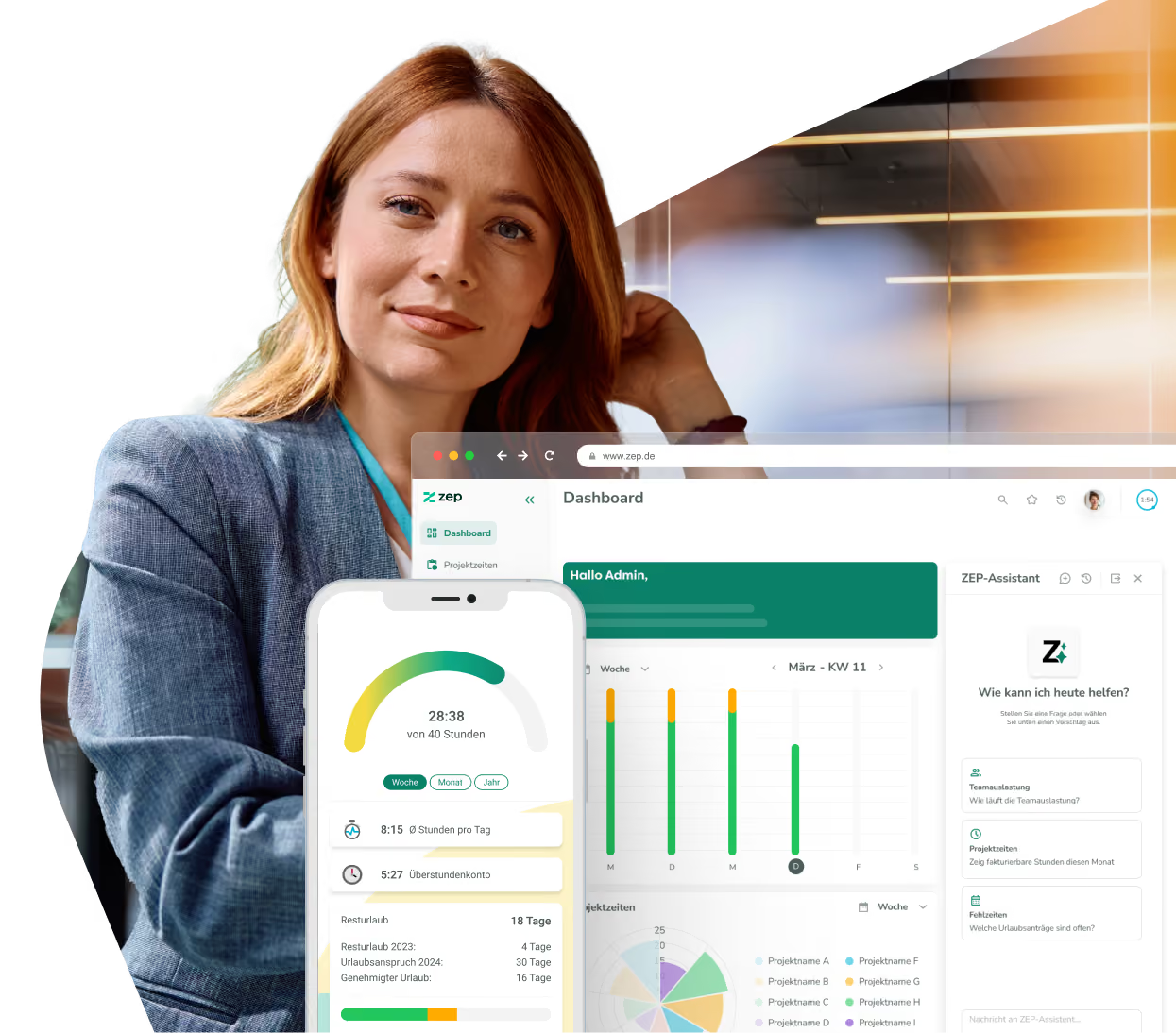
The ZEP Assistant allows users to retrieve data, reports, and actions in ZEP using natural language – no menu navigation, no manual reports. The feature is integrated directly into ZEP as a chat. No external tools, no data transfer, and fully GDPR-compliant. This is how ZEP uses AI as genuine workflow automation for everyday project management.
Try ZEP free for 14 days - full access to all features
ZEP is powerful, easy to use and can adapt to your needs. See for yourself!

GDPR-compliant
Hosting and development in Germany
Try it out for 14 days risk-free