Lexware integration for invoices and expense reports
With the ZEP “Accounting Export” module, you transfer invoices, expense reports, and master data directly to Lexware – as a ready-to-import CSV file. No manual transfers, no duplicate entry, no sources of error.


More than 3,000 companies rely on ZEP


Benefits of the Lexware integration
From time tracking straight to accounting – without detours.
Export invoices in Lexware-compliant format
- Billed invoice items are output as CSV in Lexware format
- Split postings across different accounts, cost centers, or cost units are divided correctly and automatically
- Optionally as a ZIP including all invoice files as PDF
Transfer expense reports completely
- Meal allowances, mileage reimbursements, and receipts are validated and exported to Lexware in a structured format
- Receipts optionally as a ZIP with PDF attachments
- Cost centers and cost units are included in the export and assigned correctly
Export creditors and debtors
- Export employees as creditors and customers as debtors directly from ZEP
- Creditor number optionally as personnel number or a custom field per employee
- Debtor number optionally as customer number or a custom field per customer


ZEP in vollem Funktionsumfang 14 Tage kostenlos testen

How to configure the Lexware integration
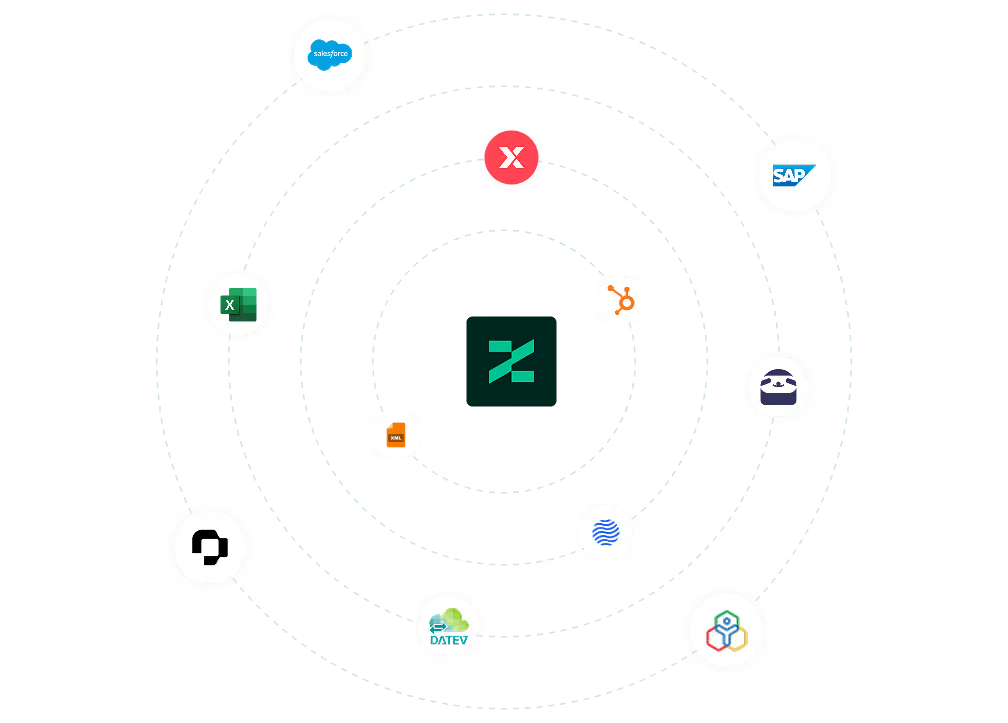
Connect Lexware with ZEP
The Lexware integration is part of the ZEP “Accounting Export” module. After licensing, select the “Lexware” format in ZEP under Administration > Accounting Export > Settings and store your accounts, posting keys, and cost centers.
Then export invoices or expense reports as a CSV file and import them into Lexware via File > Import > ASCII.

FAQ
Frequently asked questions and answers about the ZEP Lexware integration.
What is Lexware and how does it differ from ZEP?
Lexware is a widely used accounting and business software for small and medium-sized companies in Germany. ZEP is a project time tracking and billing platform for service providers. The integration connects both worlds: invoices and expense reports are created in ZEP based on recorded project times and flow directly into your accounting in Lexware-compliant format via the accounting export.
Who is the Lexware integration with ZEP suitable for?
The integration is suitable for service and consulting companies that use ZEP for project times and billing and Lexware as their accounting solution. Teams that want to hand over travel expense reports, invoices, and master data directly to their accounting without manual rework benefit most.
Can already exported invoices be exported again?
Yes. ZEP allows repeated exports of a period. By default, a repeated export only contains invoices that have not yet been exported. To output all invoices of the period again, the option “including already exported postings” can be activated. An invoice's state is frozen at billing and remains unchanged in later exports.
How are split postings handled in the Lexware export?
If an invoice or expense report is split across different accounts, cost centers, or cost units, ZEP automatically generates a split posting in Lexware format. It consists of a header line with the total amount and individual lines per account or cost center combination. Any rounding differences are automatically posted to a configurable rounding account.
Is the Lexware integration a separate module or included in ZEP?
The Lexware integration is part of the ZEP “Accounting Export” module and not a separate add-on. With this module, you export data in Lexware, DATEV, or generic format – depending on which accounting software you use.
What data can I export from ZEP to Lexware?
With the “Accounting Export” module, you export invoice data, approved expense reports including meal allowances, mileage reimbursements and receipts, as well as creditors (employees) and debtors (customers) in Lexware-compatible CSV format. The file can be imported directly into Lexware via the ASCII import.
Try ZEP free for 14 days - full access to all features
ZEP is powerful, easy to use and can adapt to your needs. See for yourself!