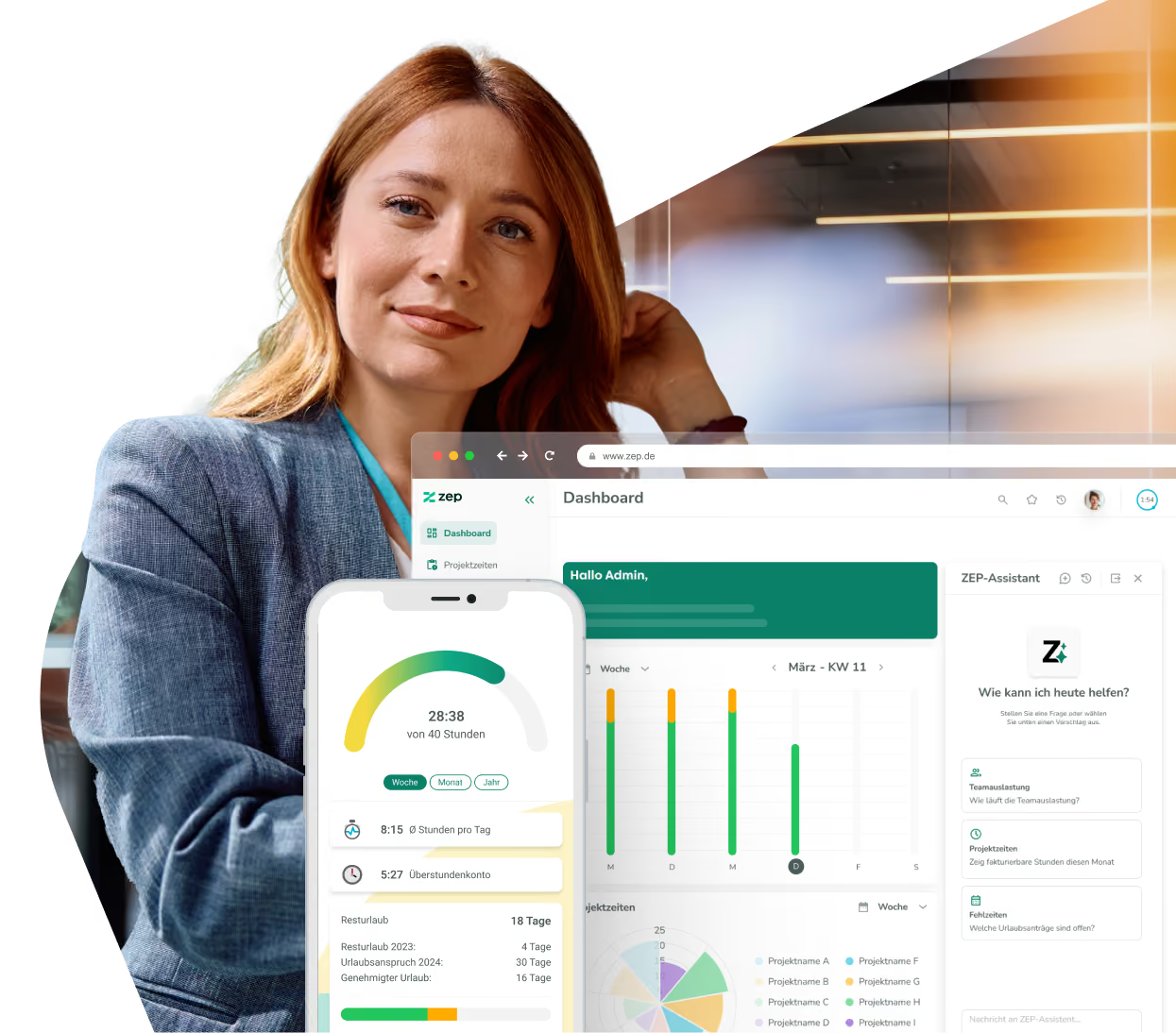
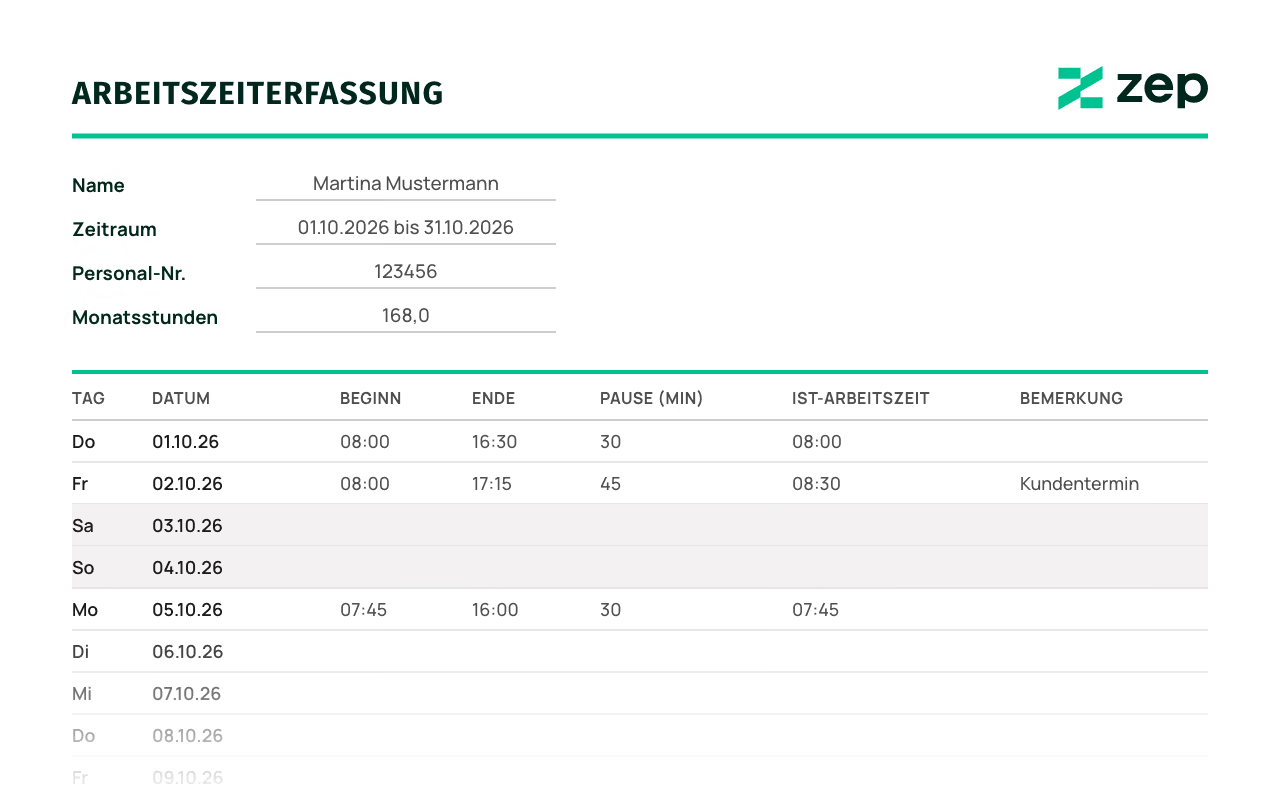
Working time tracking Excel & PDF template
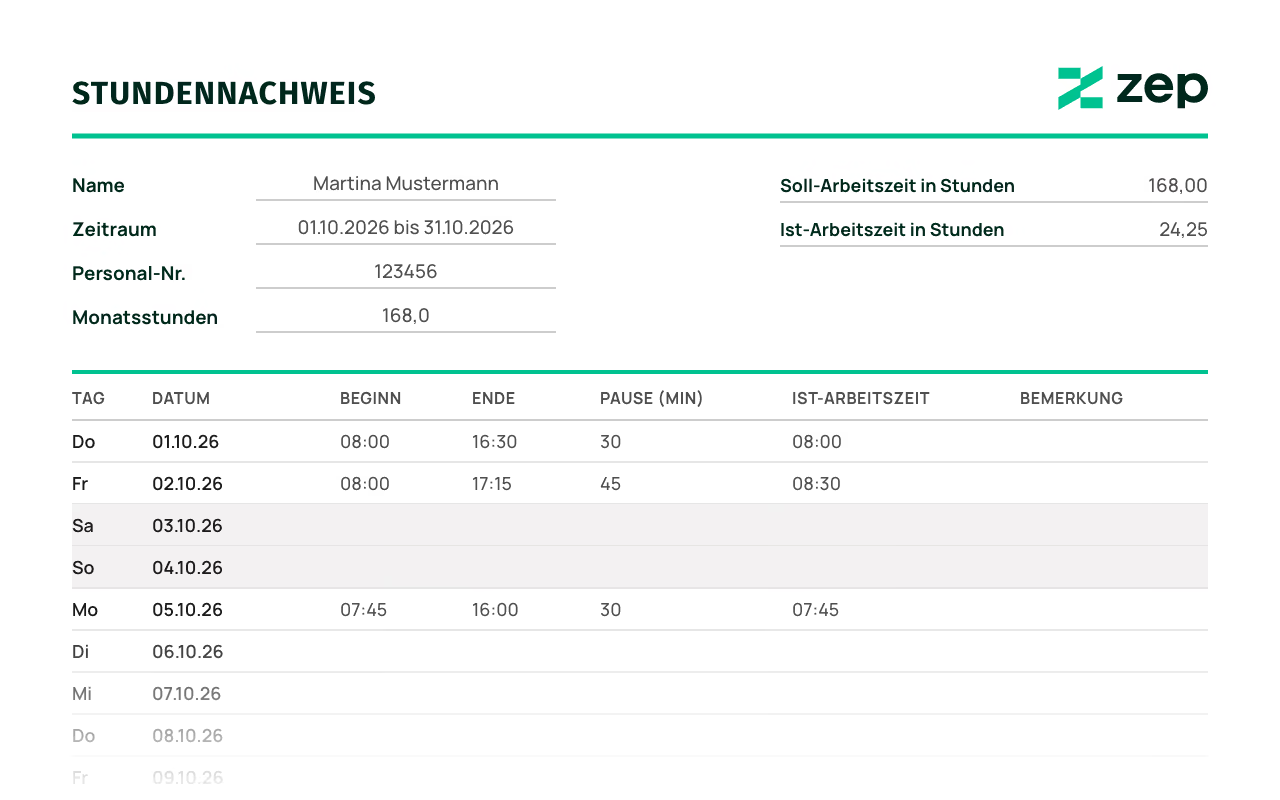
This free working time tracking template in Excel or PDF gives you an easy way to meet the legal obligation to record working time. Following the decision of the Federal Labour Court (BAG), which treats the ruling of the European Court of Justice (ECJ) as binding, this applies to all companies.
Element manager
START YOUR FREE TRIAL
Avoid legal risks – switch from Excel to ZEP
Manual time recording is time-consuming and error-prone. ZEP digitizes working time recording and gives you accurate data for companies of any size — legally compliant and set up in minutes.
Without ZEP
With


Digital solution instead of Excel and PDF?

Use cases for the working time tracking template

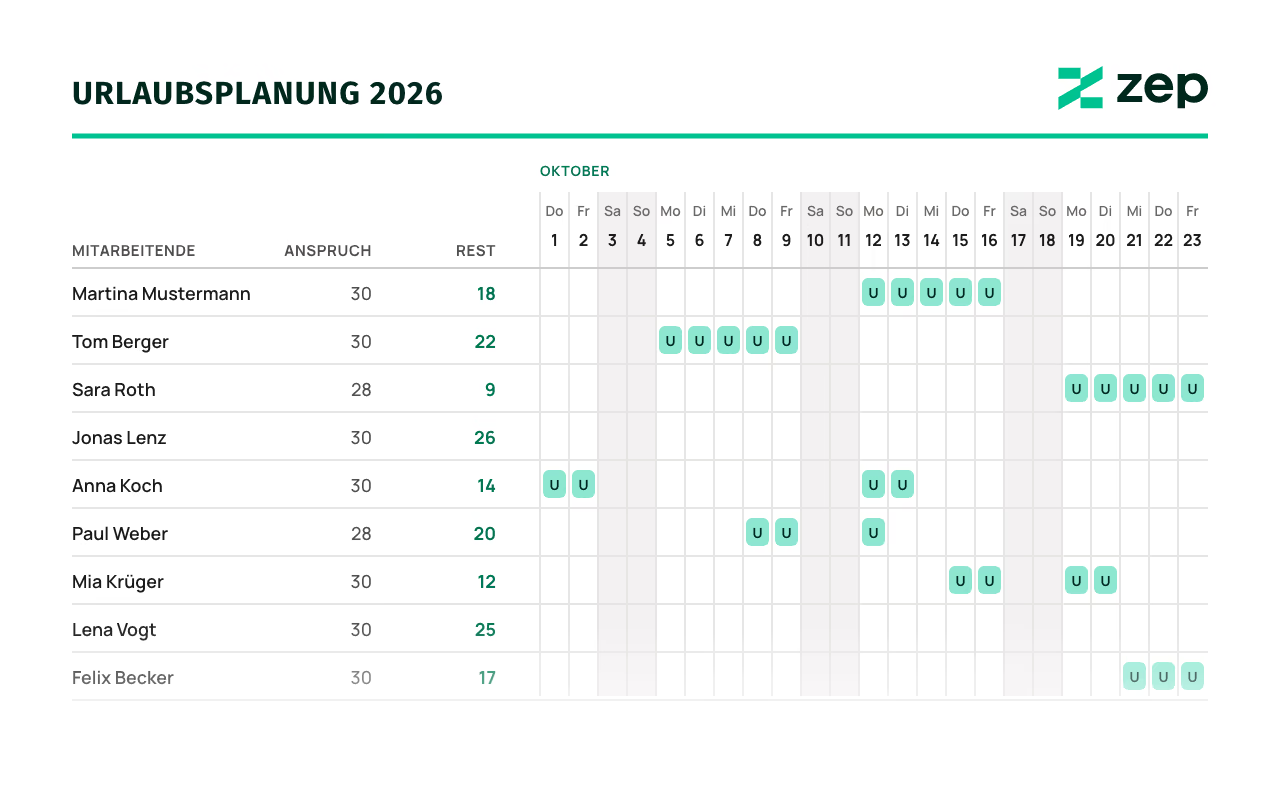
templates for working hours, vacations, travel expenses and projects
Working time tracking template FAQ
How does this free Excel and PDF template help with working time recording?
This free template makes it easier to meet the legal obligation to record working time, which applies to all companies following the decision of the Federal Labour Court (BAG) and the binding ruling of the European Court of Justice (ECJ).
What are the benefits of the working time tracking template?
The working time recording template lets you record employee working hours flexibly, whatever the working time model. You can also confirm recorded hours with a signature for a binding confirmation. The built-in formulas make working time recording faster and more transparent.
Does recording working time with Excel or on paper make sense?
The Excel or PDF template lets you record working and break times in hh:mm format. The stored formulas calculate the actual working time automatically, which makes recording quick and easy, reduces errors and keeps your records accurate.
How do you keep track of working time in ZEP as the amount of data grows?
In ZEP Clock, your team books working hours digitally. You keep a clear overview of booked working hours in small and large teams, even as the volume of data grows.
Looking for a digital solution instead of PDF and Excel?
ZEP is powerful, easy to use and can adapt to your needs. See for yourself!