Personio integration for time tracking and HR master data
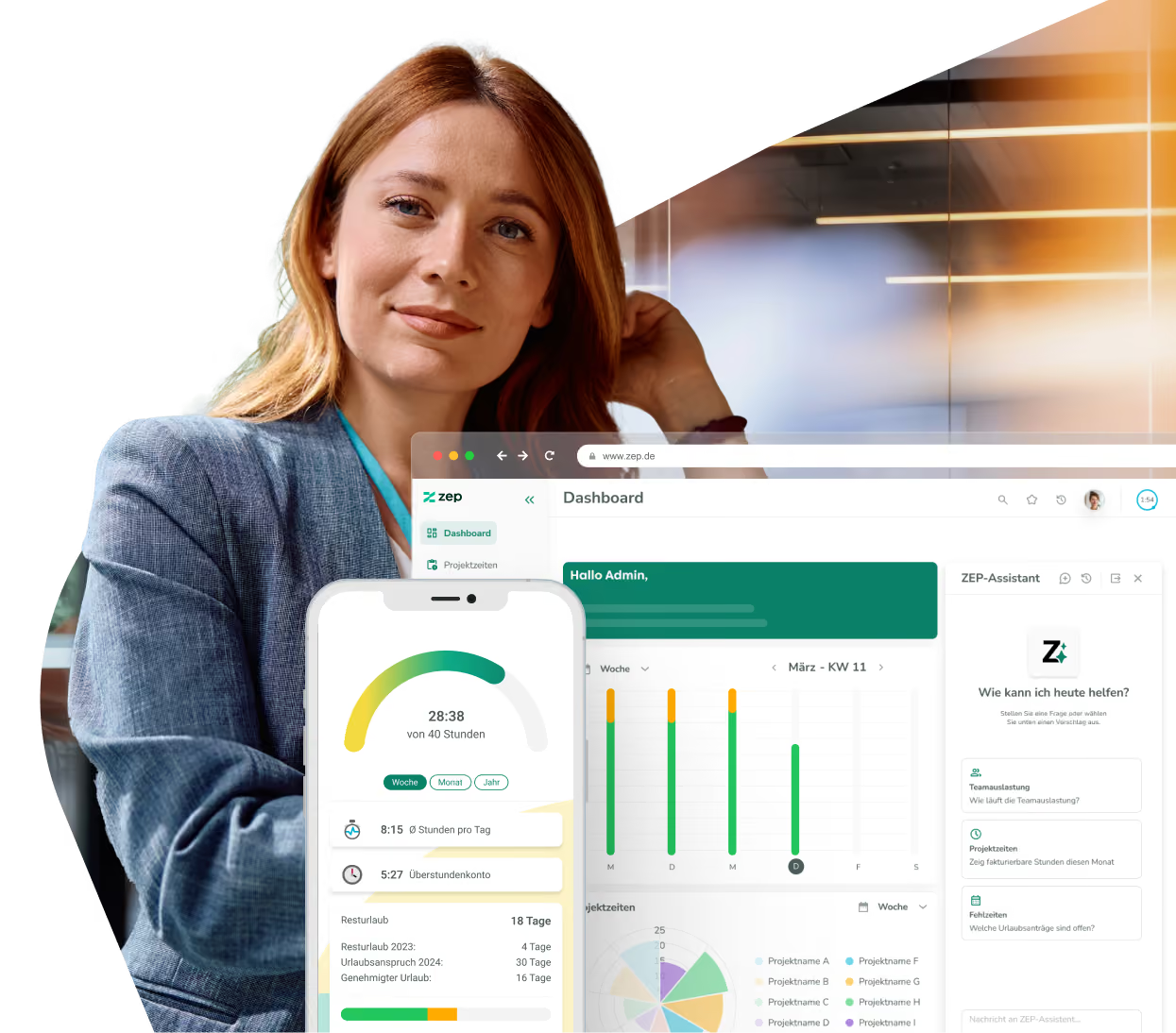
Connect your HR processes with project time tracking. With the ZEP Personio integration, employee data flows automatically into ZEP, time entries back to Personio – and absences stay in sync in both systems. Personio remains the leading HR system, while ZEP handles precise time tracking.


More than 3,000 companies rely on ZEP


Benefits of the Personio integration
HR and time tracking in one flow – without duplicate data maintenance.
Synchronize master data automatically
- Employee profiles from Personio are automatically created and kept up to date in ZEP
- New employees in Personio appear in ZEP without any manual effort
- Personio remains the leading HR system – changes take effect in ZEP right away
Transfer time entries seamlessly
- Working hours recorded in ZEP are automatically transferred to Personio as attendances
- Aggregated per day or as individual entries – depending on your needs
- Break rules from ZEP are applied in compliance with working time regulations during the transfer
Manage absences flexibly
- Choose which system is leading for absences and leave – ZEP or Personio
- Approved absences are automatically reconciled between both systems
- Leave requests and absence reasons are cleanly mapped across systems


ZEP in vollem Funktionsumfang 14 Tage kostenlos testen

How to configure the Personio integration
Connect Personio with ZEP
Setup takes just a few steps. First, create a new API connection named “ZEP” in Personio under Settings > API Credentials and enable the employee attributes you want to transfer. Then enter the client ID and client secret in ZEP under Administration > Interfaces > Personio.
Finally, set up a new Personio synchronization task in ZEP under Administration > System > Tasks – from then on, synchronization runs automatically in the background.
You can find all setup details in our Help Center.

FAQ
Frequently asked questions and answers about the ZEP Personio integration.
What is Personio and how does it differ from ZEP?
Personio is an HR software for small and medium-sized businesses that combines HR management, recruiting, and payroll in one platform. ZEP is a project time tracking and billing platform for professional service providers. The integration connects both worlds: HR data is maintained centrally in Personio and is automatically available in ZEP for compliant time tracking, absence management, and project controlling.
Who is the Personio integration with ZEP suitable for?
The integration is suitable for companies that use Personio as their HR system and ZEP for project time tracking. Organizations that record working hours in compliance with working time legislation, manage employee data centrally in Personio, and want to completely eliminate manual reconciliation between HR and time tracking benefit most.
How are time entries from ZEP transferred to Personio?
ZEP automatically transfers recorded working hours to Personio as attendances. You can choose whether a day's bookings are combined into a single attendance or transferred as individual entries. Break rules from ZEP – including statutory minimum breaks and maximum working hours – are automatically taken into account during the transfer.
Can I control which system is leading for absences and leave?
Yes, this can be configured flexibly in ZEP. You can either define Personio as the leading system for absences – ZEP then automatically adopts the leave approved there. Or ZEP is the leading system – then leave approved in ZEP is transferred to Personio. Synchronization can also be disabled entirely.
Are new employees from Personio automatically created in ZEP?
Yes. When the corresponding option is enabled, ZEP detects new employees in Personio and creates them automatically in ZEP – including all enabled profile attributes. This completely eliminates the manual creation of new users in ZEP. Individual employees can be excluded from the import via a custom field in Personio.
What data does the Personio integration sync with ZEP?
The Personio integration automatically transfers employee master data such as name, email, personnel number, cost center, employment type, and working hours from Personio to ZEP. In the other direction, ZEP transfers recorded time entries to Personio as attendances. In addition, absences and leave can be synchronized between both systems – with either ZEP or Personio as the leading system.
Try ZEP free for 14 days - full access to all features
ZEP is powerful, easy to use and can adapt to your needs. See for yourself!