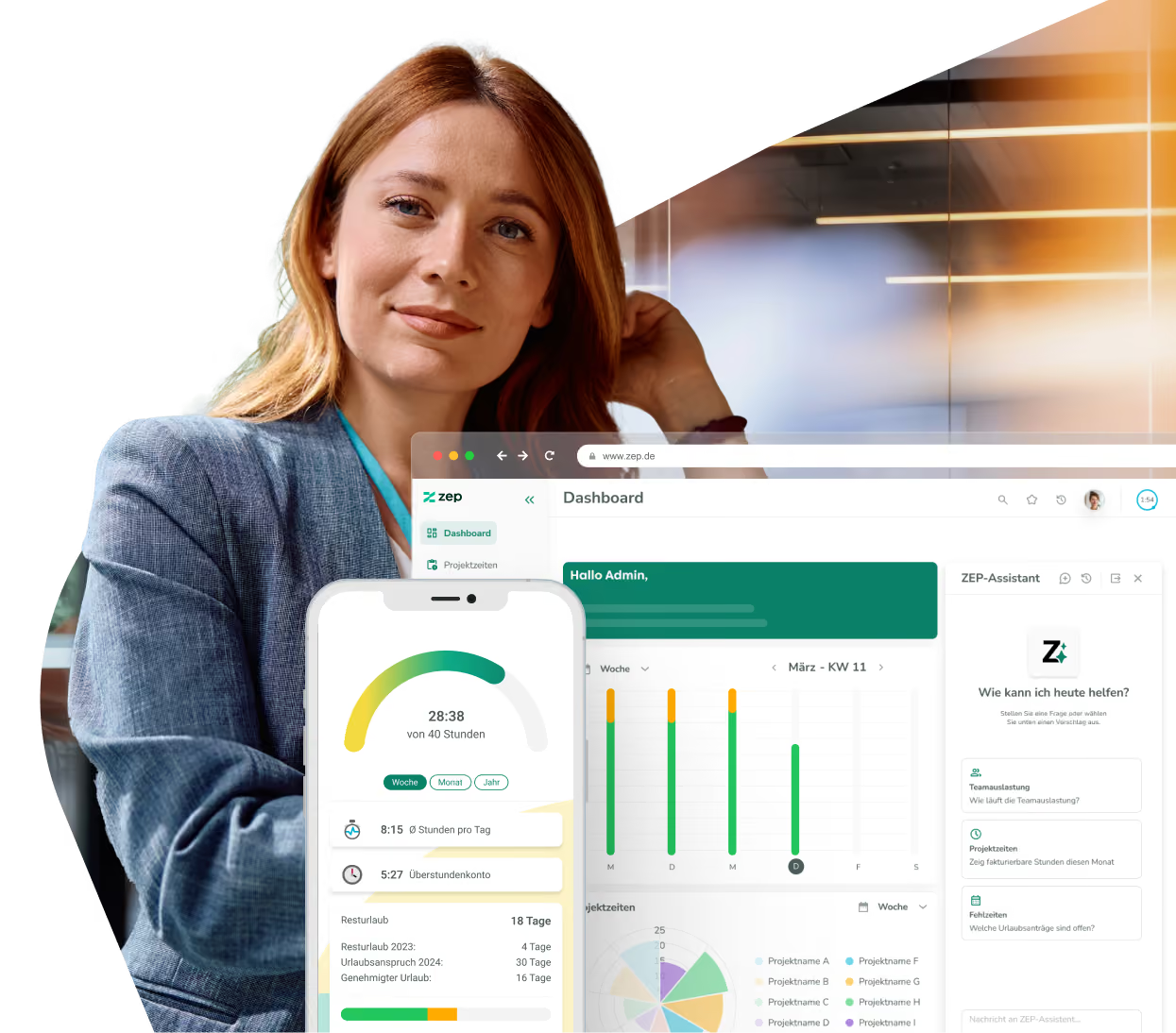
Excel export for easy processing of your ZEP data
Project times, reports, expense reports, resource planning – almost all data in ZEP can be exported as an Excel or CSV file with one click. For your own analyses, reports, or handover to external systems. No additional module, no effort.


More than 3,000 companies rely on ZEP


What you can export from ZEP
From project time reports to resource planning – your data, whenever and however you need it.
Export project times and receipts
- Project time reports for any period, project, task, and employee as Excel or CSV
- Export receipt reports including receipt files as ZIP
- Configure columns individually and set the order freely
Export employee and customer reports
- Employee revenue shares, employee-time matrix, and work packages as Excel or CSV
- Export customer contacts, account managers, and revenue forecasts
- Overall status of earnings and billing for all customer projects at the push of a button
Automate and schedule exports
- Run reports automatically in the background – daily, weekly, or monthly
- Result files delivered by email or provided as downloads in ZEP
- Optionally as an encrypted ZIP archive for secure sharing


ZEP in vollem Funktionsumfang 14 Tage kostenlos testen

How to export data from ZEP to Excel
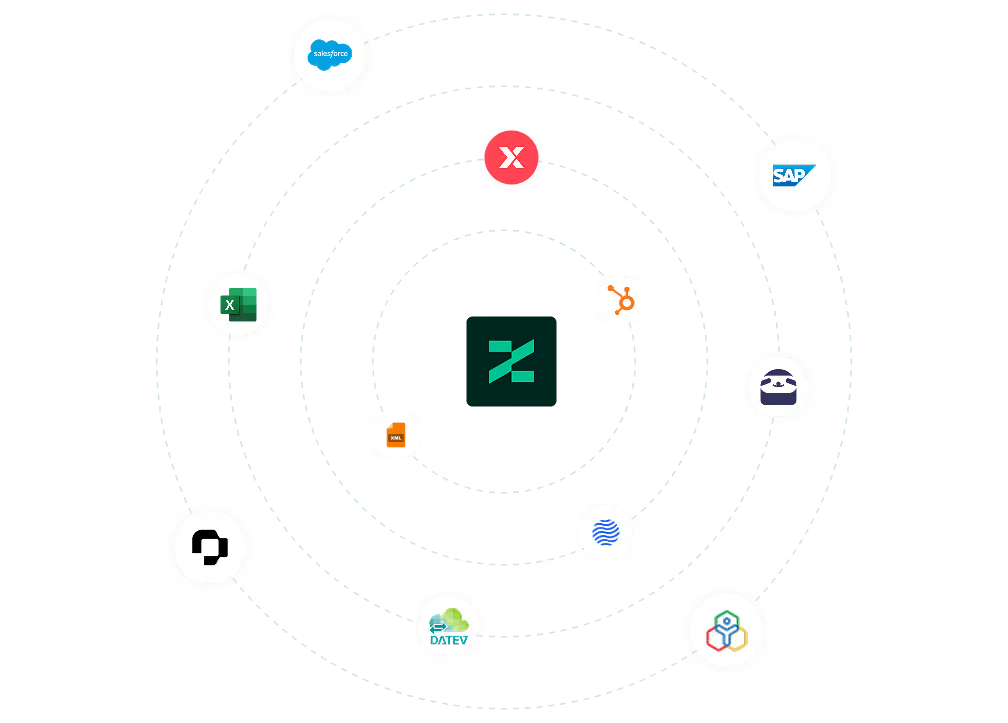
Use the Excel export in ZEP
In almost every report in ZEP, you will find the download icon – one click is all it takes to export the table as an Excel or CSV file. Use the gear icon to configure in advance which columns should be included in the export. For recurring exports, use the “Run in background” function and schedule the report as an automatic task.
You can find all setup details in our Help Center.

FAQ
Frequently asked questions and answers about the Excel export from ZEP.
Who is the Excel export from ZEP suitable for?
The Excel export is suitable for project managers, controllers, and administrators who want to process project times and reports outside of ZEP – for example for their own reports, internal presentations, or handover to accounting, HR, or management. The export function is available in all ZEP product lines without an additional module.
Can I not only export project times but also import them?
Yes. ZEP also supports importing project times via an Excel file. Before the import, the file is automatically validated – ZEP checks whether all projects, tasks, and activities are bookable, whether periods are locked, and whether times overlap. The import is only executed if validation is successful.
Can I run exports in ZEP automatically and regularly?
Yes. Many reports in ZEP can be scheduled as automatic tasks – daily, weekly, or monthly. The result file is either delivered by email or made available for download in ZEP under My Profile > Tasks. Optionally, the file can be output as a password-protected ZIP archive.
Can I customize the Excel export in ZEP?
Yes. In all configurable reports, you can use the gear icon to define which columns should be included in the export – separately for the HTML view in the browser and for the Excel or CSV export. The column order can be freely adjusted via drag and drop.
What data can I export from ZEP as Excel or CSV?
Almost all relevant data can be exported from ZEP: project times, receipt reports, employee revenue shares, the employee-time matrix, work packages, schedules, customer contacts, revenue forecasts, and the overall status of earnings and billing. The export function is directly available in almost all reports.
Try ZEP free for 14 days - full access to all features
ZEP is powerful, easy to use and can adapt to your needs. See for yourself!