Invoicing Software
Optimized billing with automated invoicing
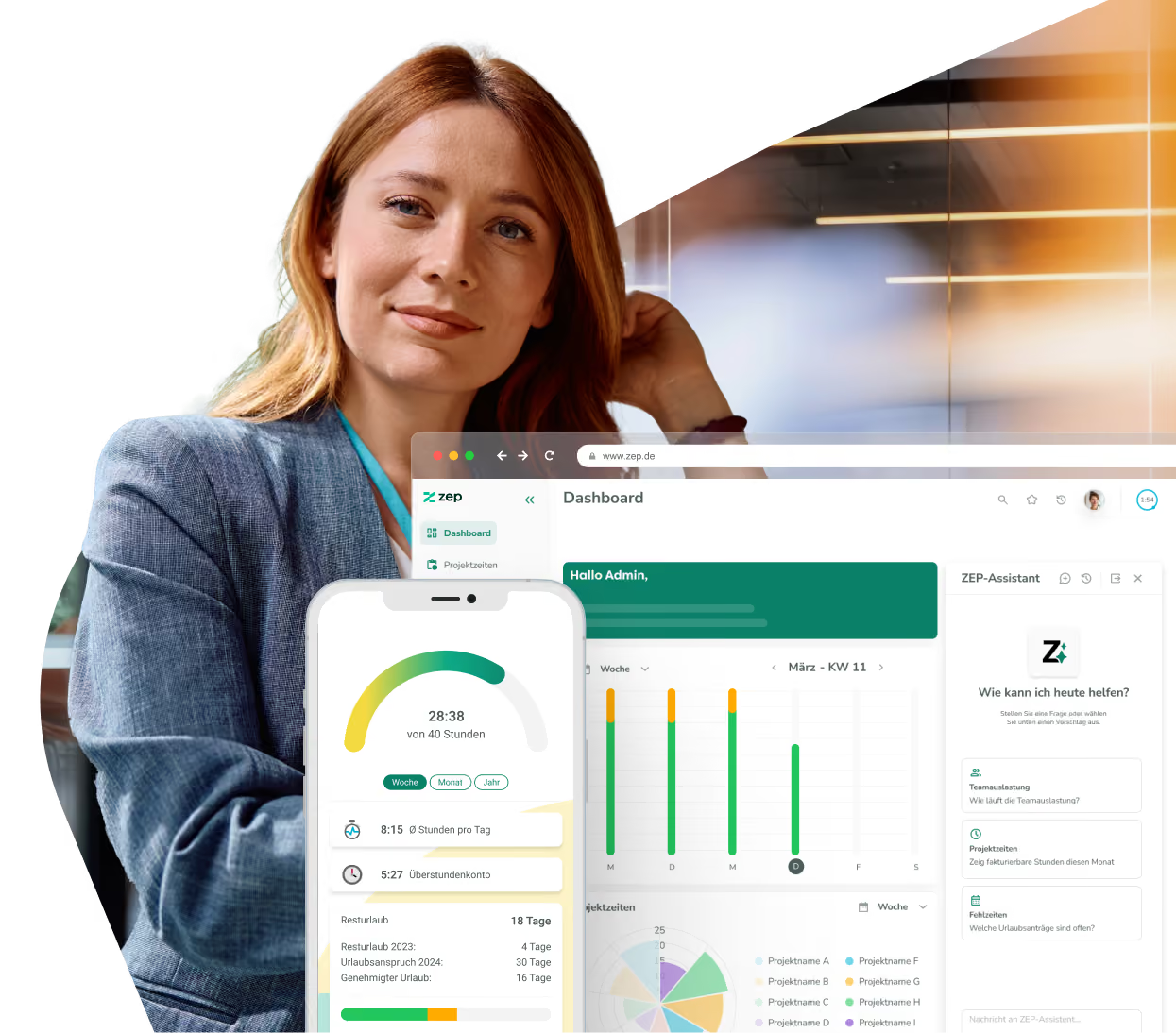
Create individual invoices for projects and customers, automate the billing of expenses, and always keep track of open items and sales forecasts.


More than 3,000 companies rely on ZEP



Automated Invoicing with ZEP
With ZEP, you can process your entire invoicing centrally and completely without paperwork.
Generate invoices directly from project times
Generate invoices automatically from recorded project times and expenses with intelligent templates for recurring billing cycles. Use stored customer data and flexible billing methods (hourly rates, flat rates, fixed prices) to create individual invoices quickly and in a standardized way. The automatic data transfer ensures error-free billing without manual entries.

From XRechnung to ZUGFeRD 2.1
Create XInvoices and ZUGFeRD 2.1-compliant documents automatically with intelligent formatting that takes into account all legal requirements. You can compare different invoice formats while keeping track of compliance requirements at all times and ensuring that your invoices meet all standards. The invoicing software makes it possible to integrate modern payment options and speed up payment processes.

Invoice planning and reminder
Control your billing as needed with flexible or fixed billing intervals that automatically adapt to project processes. Each adjustment is transparently documented and billing alternatives can be compared as required. With the option of individually defining payment plans or billing on a project-based basis, you can adapt invoicing to your business requirements and keep an eye on your sales goals.

All billing details at a glance
Monitor your incoming payments with automatic reminders and intelligent reminder procedures. Integrated Controlling ensures a complete overview through detailed evaluations before critical payment terms are achieved. Thanks to digital financial management, you have access to all billing data at any time, create sales forecasts and use the software not only to bill, but also to plan.


Discover the possibilities of ZEP

5 benefits of a automated invoicing via software
Discover how modern billing technology can move your business forward. Learn how the right invoicing software transforms your billing:
Faster Invoicing for Better Cash Flow
Through automated invoicing and direct transfer of recorded times, you can create invoices much faster. Your accounting department works more efficiently because manual transfers and calculations are no longer necessary when billing with the right software. This also enables you to speed up incoming payments and improve liquidity.
Invoicing Software and Controlling: A Comprehensive Solution
You can use ZEP as a complete invoicing software that works with a single, consistent database. Even the Preparation of offers, project planning, and much more is done via ZEP. This increases efficiency for all parties involved — from service recording to payment control. All modules can be booked flexibly and are seamlessly linked to each other.
E-invoices and digital payment methods for up-to-date billing
With the right software for invoicing, you can create modern XInvoices and ZUGFeRD compliant receipts directly from the system. In this way, you meet all legal requirements and can offer digital payment options that speed up your receipt of payment.
More accuracy, fewer complaints
When you create invoices with the right software, you reduce transcription errors and discrepancies. Automated invoicing from collected data makes it possible to avoid billing errors, increase customer satisfaction and reduce inquiries.
No Forgotten Services Thanks to Central Recording
The integrated invoicing software database helps you to fully record all services provided. Direct access to project times and cost data prevents billable hours from being overlooked and secures your sales.
More than 3,000 companies already rely on ZEP
The time tracking of choice — from startups to large corporations.



“Ideal employee management support thanks to a 360 degree view of employee availability, daily reports and automated vacation and absence management.”


“Comprehensive solution for recording project and working times. In particular, compliance with legal regulations (minimum rest time, break times, maximum working hours, etc.) can be tracked very well. “

“We have been using ZEP for over 10 years to record working hours (billable, non-billable). This is a great basis for invoicing our customers.”

“ZEP impresses with its intuitive time and project management and offers excellent customer support!”

“Quick project bookings and evaluations. Yet a high degree of flexibility. Good modular design. You can easily adapt the system to your own needs.”

“We use ZEP for precise time recording, vacation management and absenteeism. With ZEP, our employees can also record their working hours while working from home, which enabled us to replace several previously used tools.”

“Ideal employee management support thanks to a 360 degree view of employee availability, daily reports and automated vacation and absence management.”
“Comprehensive solution for recording project and working times. In particular, compliance with legal regulations (minimum rest time, break times, maximum working hours, etc.) can be tracked very well. “
“We have been using ZEP for over 10 years to record working hours (billable, non-billable). This is a great basis for invoicing our customers.”
“ZEP impresses with its intuitive time and project management and offers excellent customer support!”
“Quick project bookings and evaluations. Yet a high degree of flexibility. Good modular design. You can easily adapt the system to your own needs.”
“We use ZEP for precise time recording, vacation management and absenteeism. With ZEP, our employees can also record their working hours while working from home, which enabled us to replace several previously used tools.”
ZEP is Funktionen
Bookable modules


FAQ about invoicing via software
Do you need more information about invoicing with ZEP? Here are the answers to the most common questions from our customers.
How does invoicing in ZEP make it easier to bill for services delivered?
From billing one or several projects for a customer to detailed invoices with billed hours and receipts, invoicing in ZEP offers a wide range of features that simplify the process and enable automated invoicing.
How flexible is ZEP when billing effort by hourly and daily rate or at a fixed price?
ZEP lets you bill effort by hourly and daily rate or at a fixed price. This gives you the flexibility to choose different billing methods depending on project requirements.
How does ZEP help me define individual payment plans?
ZEP lets you define payment plans with monthly, quarterly or annually recurring invoice items. You can set these individual payment plans as soon as you create the project, so invoicing is planned optimally.
What controlling benefits do I get with ZEP?
ZEP offers wide-ranging insight into financial processes. From an overview of invoice items due for billing to documentation of paid invoices, its reporting enables comprehensive controlling.
How flexible is ZEP in terms of invoice formats and sending invoices?
ZEP supports XRechnung and ZUGFeRD 2.1 for electronic invoices. It can also print a payment code, PayPal.Me link and Swiss QR code on invoices. Sending invoices by email is configurable, and automated text modules make it easier to create invoice items. Payment terms per customer and percentage surcharges or discounts can also be configured flexibly.
How much does the invoicing software cost?
Invoicing is included from ZEP Operations, from €29 per user per month on an annual contract or €35 monthly. It is also included in ZEP Business. Our price calculator shows your individual monthly fee at a glance.
How do I make sure all billable hours are actually invoiced?
ZEP offers automatic reminders for services that have not yet been billed and overviews of open billing items. The system alerts you to forgotten hours and shows you exactly which projects still need to be billed, so you don’t miss out on revenue.
Does ZEP also support international billing in different currencies?
Yes, ZEP can create invoices in different currencies and manages exchange rates automatically. You can bill international customers in their local currency while the system converts and consolidates all amounts internally for your controlling.
How does the integration with my accounting software work?
ZEP offers export functions for common accounting programs and can provide invoice data in various formats. Our experts are happy to advise you on setting up the interfaces so your invoices transfer seamlessly into your existing accounting.
Try ZEP free for 14 days - full access to all features
ZEP is powerful, easy to use and can adapt to your needs. See for yourself!