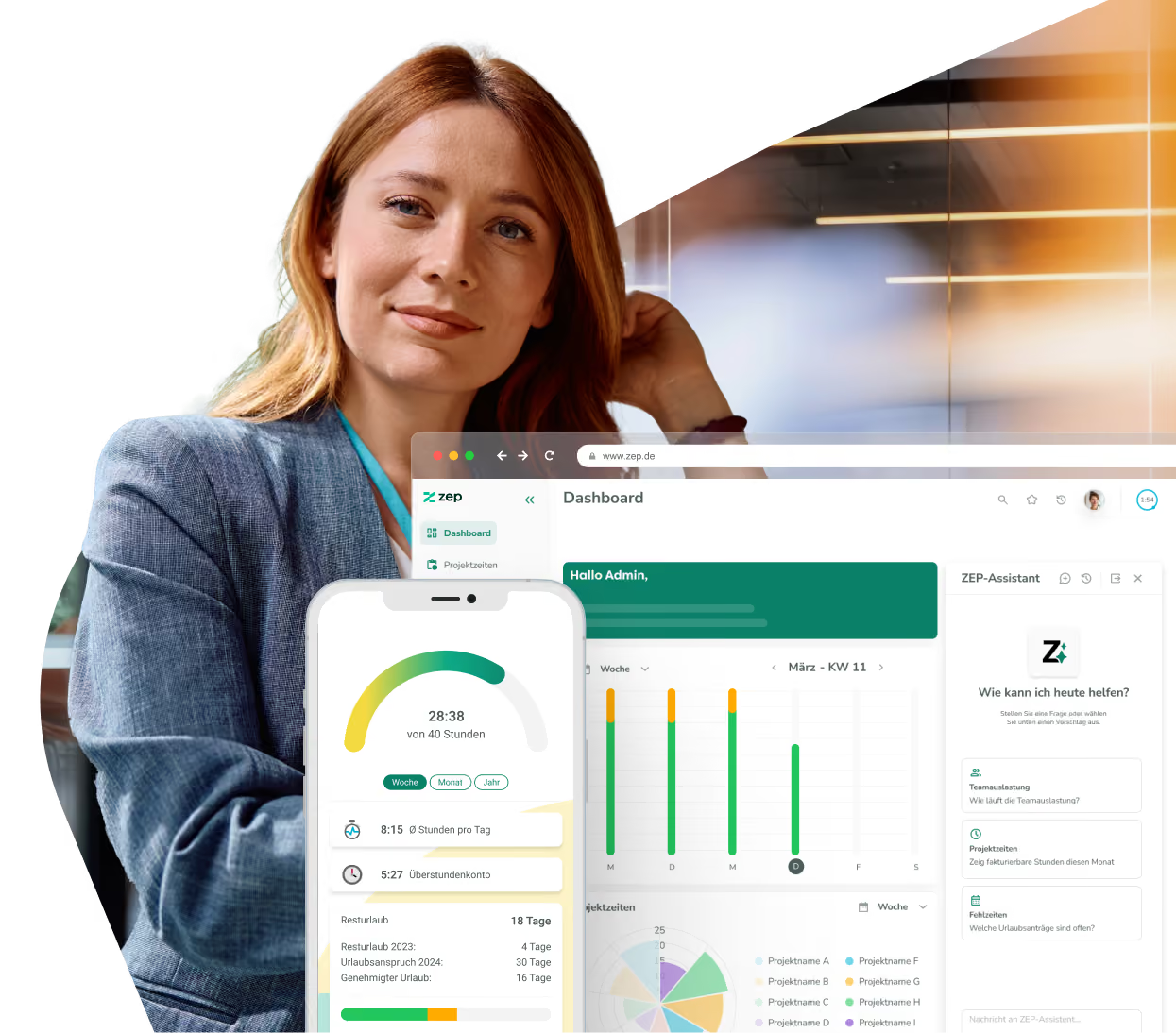
Taxmaro integration for employee data and absences in ZEP
Maintain HR data centrally in Taxmaro – and use it automatically in ZEP. With the ZEP Taxmaro integration, employee master data and absences flow directly from Taxmaro into ZEP. No duplicate maintenance, no manual transfers.


More than 3,000 companies rely on ZEP


Benefits of the Taxmaro integration
HR and time tracking in one flow – without duplicate data maintenance.
Transfer employee master data automatically
- First name, last name, email, phone number, address, and date of birth flow directly from Taxmaro into ZEP
- Hire and termination dates are transferred and stored as employment periods in ZEP
- New employees in Taxmaro appear automatically in ZEP – no manual creation required
Synchronize absences completely
- Absence type, start and end dates, and comments are transferred from Taxmaro
- Full-day, half-day, and hourly absences are mapped correctly
- Absences are directly available in ZEP for reports and planning
Automatic background synchronization
- After setup, ZEP synchronizes the data regularly and automatically
- Changes in Taxmaro take effect in ZEP without manual intervention
- Taxmaro remains the leading system – ZEP always follows the current state


ZEP in vollem Funktionsumfang 14 Tage kostenlos testen

How to configure the Taxmaro integration
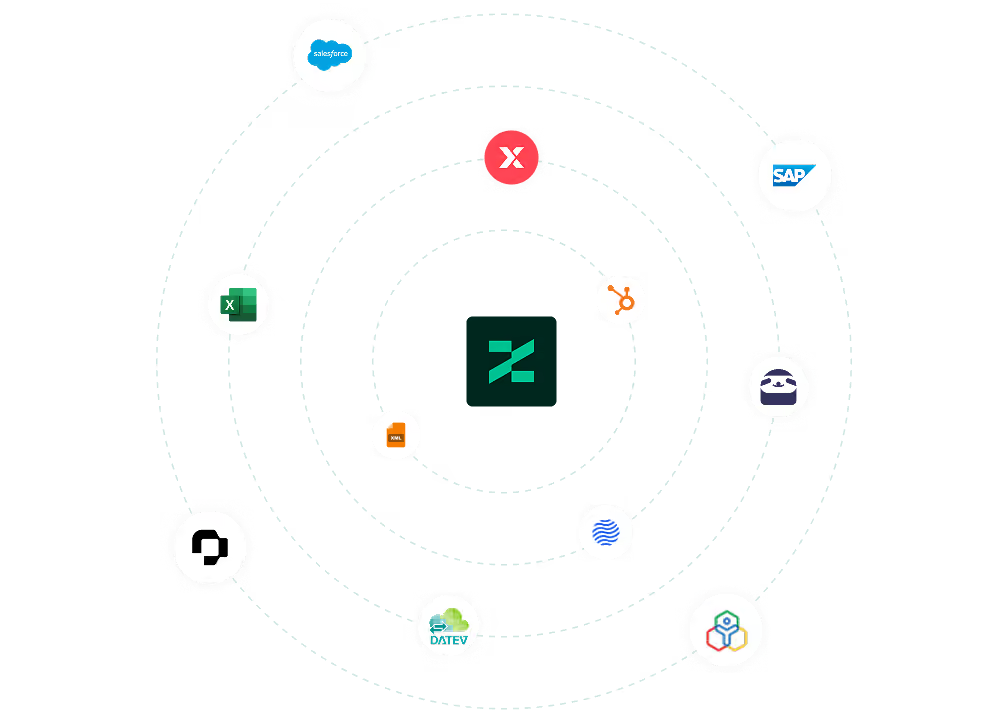
Connect Taxmaro with ZEP
Open Administration > Interfaces > Interface Marketplace in ZEP, select Taxmaro and click Configure. To connect, you need a bearer token from Taxmaro and the matching Taxmaro API URL for your environment.
Once set up, synchronization runs automatically in the background.
You can find all setup details in our Help Center.
FAQ
Frequently asked questions and answers about the ZEP Taxmaro integration.
Who is the Taxmaro integration with ZEP suitable for?
The integration is suitable for service and consulting companies that use Taxmaro for HR and payroll and ZEP for project time tracking and project controlling. Companies that want to maintain employee data centrally in Taxmaro while ensuring ZEP always works with current HR data benefit most – without manual duplicate maintenance.
What is Taxmaro and how does it differ from ZEP?
Taxmaro is an HR system focused on personnel management and payroll. ZEP is a project time tracking and billing platform for project service providers. The integration connects both worlds: HR data is maintained centrally in Taxmaro and is automatically available in ZEP for time tracking, absence management, and project controlling.
Does the Taxmaro synchronization work in both directions?
No, the interface transfers data exclusively from Taxmaro to ZEP. Taxmaro remains the leading system for employee master data and absences. Changes in ZEP are not transferred back to Taxmaro. This keeps Taxmaro as the central HR data basis while ZEP always works with current data.
How does the Taxmaro integration help with project time tracking in ZEP?
For employees to record project times in ZEP, their master data and employment periods must be stored correctly in ZEP. The Taxmaro integration ensures this data stays up to date automatically – new employees are created, terminations are taken into account, and absences are directly available for reports and resource planning.
What data is synchronized between Taxmaro and ZEP?
The integration transfers employee master data such as first name, last name, email, phone number, address, date of birth, and hire and termination dates from Taxmaro to ZEP. In addition, absences are transferred automatically, including absence type, start and end dates, comment, and whether the absence is full-day, half-day, or hourly.
Try ZEP free for 14 days - full access to all features
ZEP is powerful, easy to use and can adapt to your needs. See for yourself!