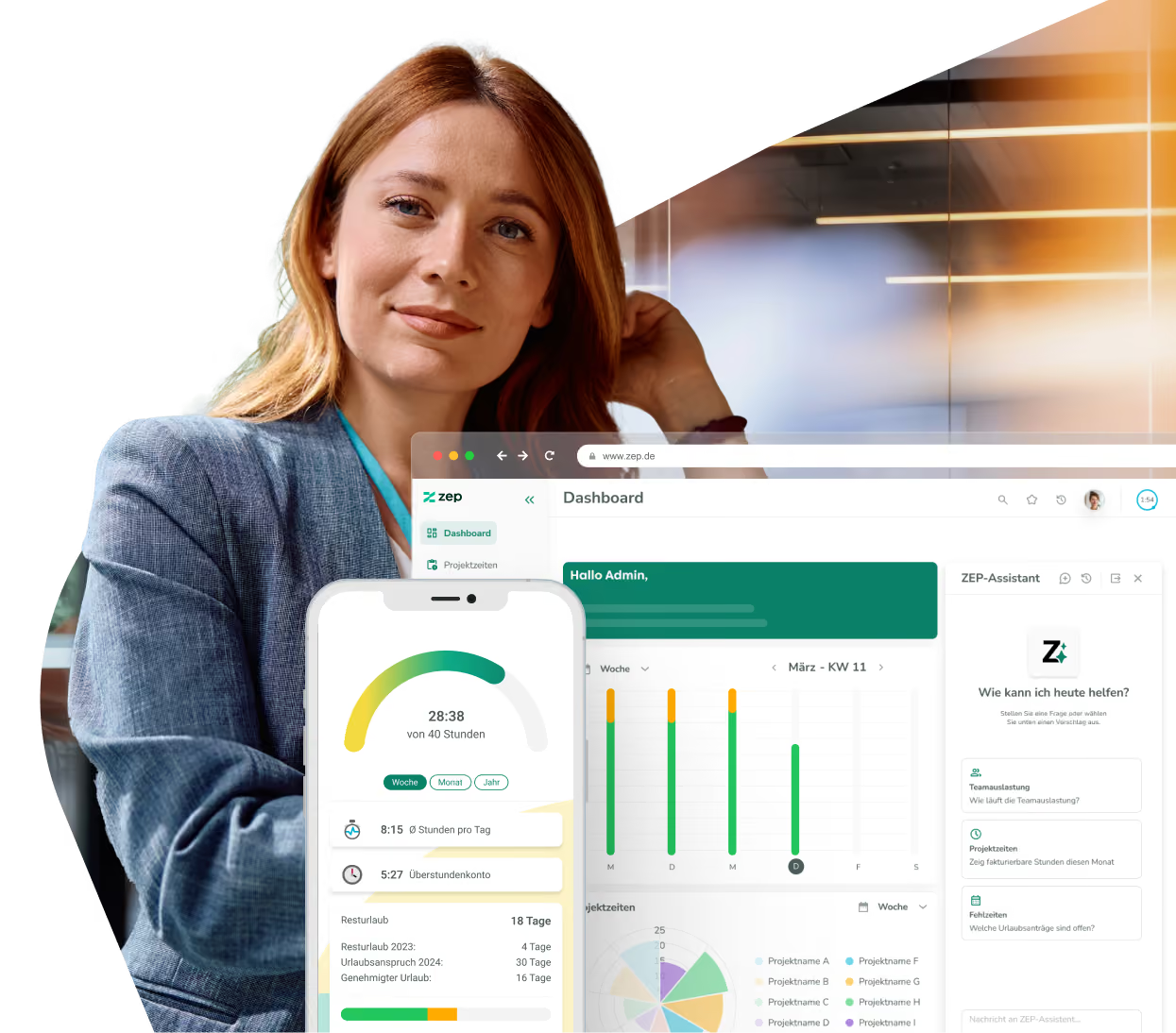
HR WORKS integration for time tracking and HR management
Working hours, absences, and employee data automatically synchronized – between ZEP and HR WORKS. HR WORKS remains the leading system for HR data, while ZEP handles precise project time tracking. No more manual reconciliation and duplicate data maintenance.


More than 3,000 companies rely on ZEP


Benefits of the HR WORKS integration
From HR management to project time tracking – fully automatic and without data loss.
Synchronize employee master data automatically
- Names, email addresses, addresses, cost centers, and more flow automatically from HR WORKS to ZEP
- New employees in HR WORKS are created automatically in ZEP – no manual setup required
- HR WORKS remains the leading system – changes there take effect in ZEP right away
Make project times centrally available in HR WORKS
- Working hours recorded in ZEP are automatically transferred to HR WORKS
- No duplicate entry – hours are consistent and up to date in both systems
- Entries from ZEP are clearly marked as such in HR WORKS
Reconcile absences reliably
- Absences and leave are synchronized between ZEP and HR WORKS
- Holiday calendars and absence reasons are taken into account across systems
- Manual entries and transfer errors are reduced to a minimum


ZEP in vollem Funktionsumfang 14 Tage kostenlos testen

How to configure the HR WORKS integration
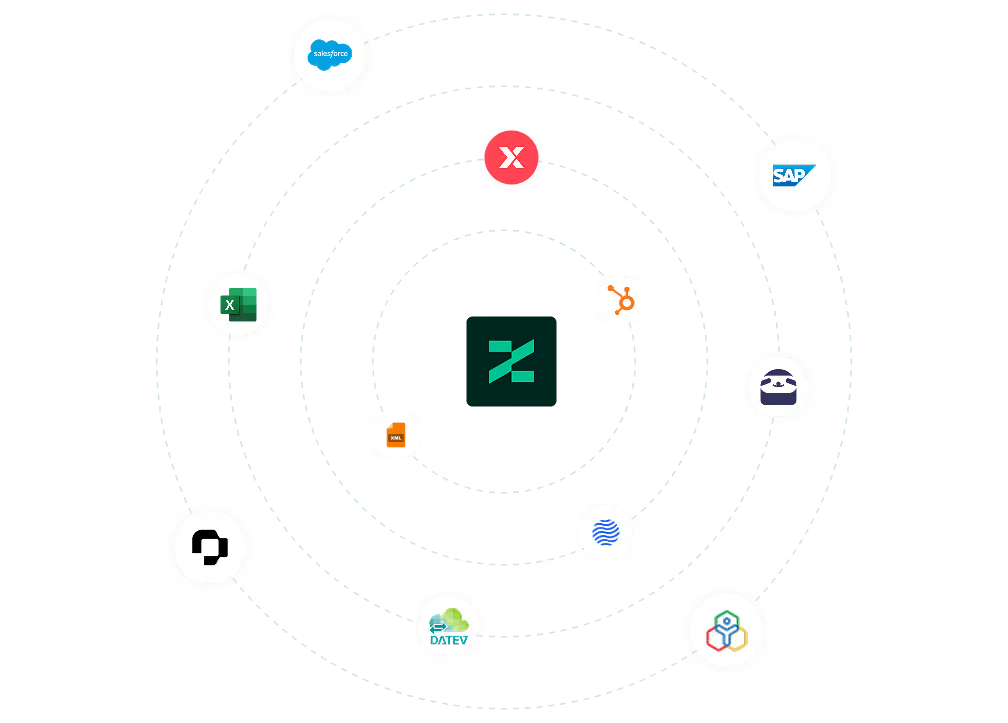
Connect HR WORKS with ZEP
Setup takes just a few steps. You need API credentials from HR WORKS – consisting of an access key ID and a secret access key. You create these in HR WORKS under Administrator > Basics > HRworks API (requires the API administrator role).
Then enter the credentials in ZEP under Administration > Interfaces > HR WORKS. Finally, create a new HR WORKS task under Administration > System > Tasks – from then on, synchronization runs automatically.
FAQ
Frequently asked questions and answers about the ZEP HR WORKS integration.
What is HR WORKS and how does it differ from ZEP?
HR WORKS is a German HR software for personnel management, payroll, and travel expense accounting in mid-sized companies. ZEP is a project time tracking and billing platform for professional service providers. The integration connects both worlds: employee data is maintained centrally in HR WORKS, while ZEP handles precise project time tracking and automatically feeds recorded times back.
Who is the HR WORKS integration with ZEP suitable for?
The integration is suitable for service and consulting companies that use HR WORKS for personnel management and ZEP for project time tracking. Teams that maintain employee data centrally in HR WORKS, record project times precisely, and want to completely eliminate manual reconciliation between HR and time tracking benefit most.
What should I consider when setting up the HR WORKS interface?
For smooth synchronization, before setup you should ensure that holiday calendars are created in ZEP, absence reasons in HR WORKS carry the same names as the abbreviations in ZEP, and the start date for the HR WORKS module and the Absences & Overtime module is set correctly. You create the API credentials in HR WORKS under Administrator > Basics > HRworks API.
Does the HR WORKS synchronization work in both directions?
Only partially. Employee master data flows exclusively from HR WORKS to ZEP – HR WORKS is the leading system here. Project times are transferred in the opposite direction, only from ZEP to HR WORKS. Changes in HR WORKS do not affect recorded times in ZEP. This clear directional separation ensures both systems remain consistent.
Are new employees from HR WORKS automatically created in ZEP?
Yes. When the user import is enabled, ZEP detects new employees in HR WORKS and creates them automatically – including all synchronized master data. Newly imported users initially receive restricted user rights and must then be given the desired permissions in ZEP.
What data is synchronized between HR WORKS and ZEP?
The integration automatically transfers employee master data such as name, email, address, cost center, date of birth, and profile picture from HR WORKS to ZEP. In the other direction, ZEP transfers recorded project times to HR WORKS. Absences and leave are also reconciled between both systems, provided holiday calendars and absence reasons are configured correctly.
Try ZEP free for 14 days - full access to all features
ZEP is powerful, easy to use and can adapt to your needs. See for yourself!