HRlab integration for employee data and absences in ZEP
Maintain HR data centrally in HRlab – and use it automatically in ZEP. With the ZEP HRlab integration, employee data and absences flow directly from HRlab into ZEP, and time entries can optionally go back to HRlab. HRlab remains the leading HR system, while ZEP handles project hours and reporting.


More than 3,000 companies rely on ZEP


Benefits of the HRlab integration
HR data and project hours cleanly connected – HRlab as the leading system, ZEP always up to date.
Transfer employee data automatically
- Name, email, personnel number, address, date of birth, and contact details flow directly from HRlab into ZEP
- Hire and termination dates are stored as employment periods in ZEP
- Existing employees are recognized and updated via their HRlab ID – no duplicates
Synchronize absences reliably
- Vacation, sick leave, home office, and business trips are transferred from HRlab
- Full-day and half-day absences including comments are mapped correctly
- ZEP detects new, changed, and removed entries with every sync
Optionally transfer time entries back
- Working hours booked in ZEP can optionally be transferred to HRlab
- No duplicate entry – working hours are available in both systems
- Gross time is transferred, while HRlab calculates breaks itself


ZEP in vollem Funktionsumfang 14 Tage kostenlos testen

How to configure the HRlab integration
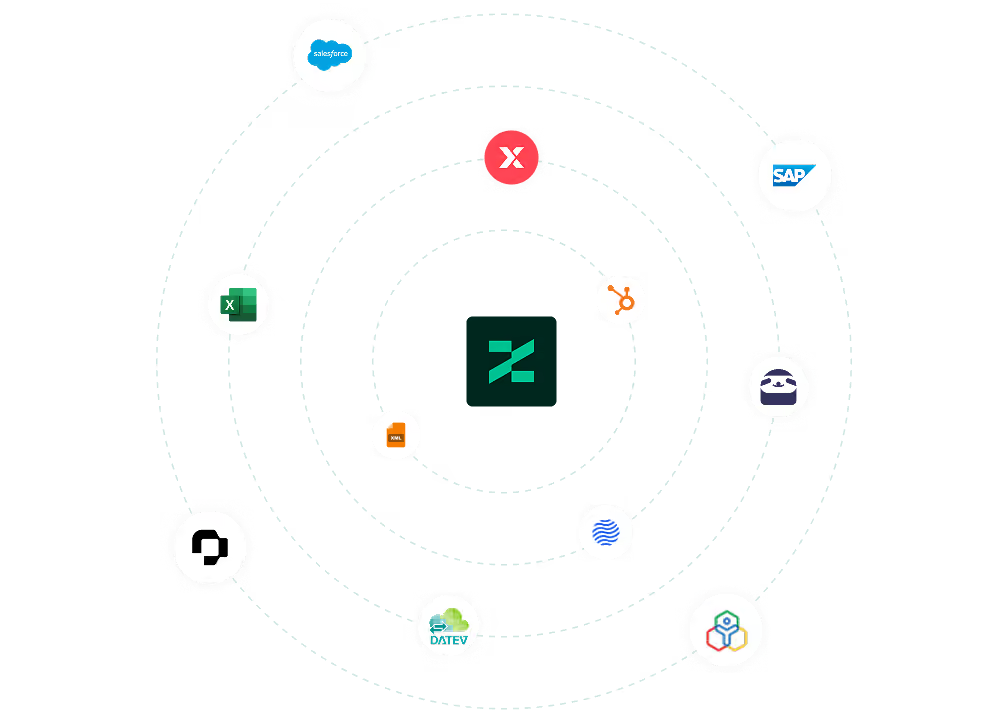
Connect HRlab with ZEP
You can find the HRlab integration in ZEP under Administration > Interfaces > Interface Marketplace. Select HRlab and click “Add”. To connect, you need an API token from HRlab, which you generate there under Settings > API Application.
After setup, map the HRlab absence types to the matching ZEP absence reasons. Synchronization then runs automatically every hour in the background.
You can find all setup details in our Help Center.
FAQ
Frequently asked questions and answers about the ZEP HRlab integration.
Who is the HRlab integration with ZEP suitable for?
The integration is suitable for management consulting, IT consulting and engineering firms that use HRlab for HR management and ZEP for project time tracking and project controlling. They benefit most when employee data and absences are maintained centrally in HRlab and ZEP should always work with current HR data without duplicate maintenance.
Is the HRlab integration available in all ZEP product lines?
Yes. Like all interfaces, the HRlab integration is included in every ZEP product line, as is Absences & Overtime for importing absences. Activation takes place via the self-service tool.
In which direction does the HRlab synchronization run?
Employee data and absences flow exclusively from HRlab to ZEP – HRlab is the leading system here. Time entries can optionally be transferred in the opposite direction, from ZEP to HRlab. You make changes to HR data in HRlab, and ZEP adopts them with the next hourly sync.
How does the HRlab integration help with project time tracking in ZEP?
For employees to book hours to clients and projects in ZEP, their master data and employment periods must be stored correctly. The HRlab integration ensures this data stays up to date automatically. New employees are created, terminations are taken into account, and absences are directly available for reports and resource planning.
What data is synchronized between HRlab and ZEP?
The integration transfers employee data such as name, email, personnel number, address, date of birth, contact details, and hire and termination dates from HRlab to ZEP. Absences such as vacation, sick leave, home office, and business trips are also transferred. Optionally, working hours booked in ZEP can be transferred back to HRlab.
Try ZEP free for 14 days - full access to all features
ZEP is powerful, easy to use and can adapt to your needs. See for yourself!