Lexware Office integration: billing data in your accounting without retyping
Billed in ZEP, received in Lexware Office. ZEP creates your customers and suppliers as contacts, transfers billed invoices with all line items and creates the matching credit note for cancellations. On request, approved receipts are added. The transfer runs every hour in the background.


More than 3,000 companies rely on ZEP


Benefits of the Lexware Office integration
What has been billed in ZEP no longer needs to be retyped in accounting.
Create contacts automatically and keep them up to date
- Customers and suppliers are created as contacts in Lexware Office
- Employees are transferred as creditors, the basis for the receipt export
- Company name, address, contact details and VAT ID are kept up to date every hour, and a click on “Start synchronization” triggers the transfer immediately
Transfer invoices completely
- Billed invoices are transferred with all line items, tax rates, payment terms and service date
- If an invoice is cancelled in ZEP, the matching credit note is created in Lexware Office
- Standard net invoices and intra-community supplies are distinguished
Receipts and full traceability
- Your employees' approved expense reports are optionally transferred as incoming receipts
- Each receipt is assigned to the right booking category according to its receipt type
- Anything that could not be transferred is recorded by ZEP in the log, with the reason


ZEP in vollem Funktionsumfang 14 Tage kostenlos testen

How to set up the Lexware Office integration
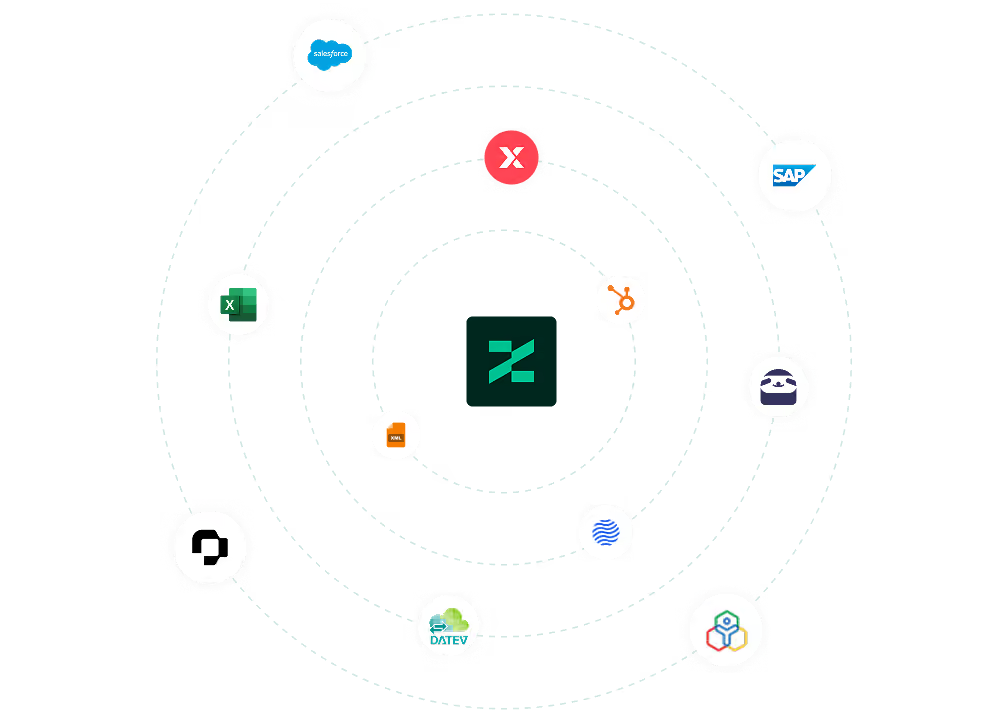
Connect Lexware Office with ZEP
Generate an API key in Lexware Office under Extensions > Public API. Enter it in ZEP under Administration > Interfaces > Interface Marketplace in the “Lexware Office” tile and test the connection.
Then define what is transferred. Customers, suppliers, invoices and employees are preselected; add receipts if needed and map the ZEP receipt types to the booking categories in Lexware Office. From then on, ZEP transfers every hour in the background.
You can find all setup details in our Help Center.
FAQ
Frequently asked questions and answers about the Lexware Office integration.
Who is the Lexware Office integration suitable for?
The integration is suitable for companies that bill in ZEP and keep their accounting in Lexware Office. It is included in ZEP as soon as invoices are created in ZEP, and saves retyping billing data into accounting.
How often does ZEP transfer the data?
ZEP transfers automatically every hour in the background, first the contacts, then invoices and receipts. A click on “Start synchronization” triggers the transfer immediately. Anything that could not be transferred is recorded by ZEP in the log, with the reason.
How does the integration differ from the previous Lexware file export?
The accounting export creates a CSV file that you download and import manually into Lexware buchhalter or financial office. The Lexware Office integration, by contrast, creates the data directly in the Lexware Office cloud accounting, with no file and no import, every hour in the background. Both exist independently of each other.
In which direction does the transfer run?
The integration writes in one direction only, from ZEP to Lexware Office. Nothing comes back from Lexware Office to ZEP. You can see whether an invoice has been paid in Lexware Office.
What data does ZEP transfer to Lexware Office?
ZEP transfers customers and suppliers as contacts, billed invoices with all line items, tax rates, payment terms and service date, and employees as creditors. On request, approved expense reports are added as incoming receipts. For cancelled invoices, a credit note is created.
Try ZEP free for 14 days - full access to all features
ZEP is powerful, easy to use and can adapt to your needs. See for yourself!