Sage HR integration for employee data and absences in ZEP
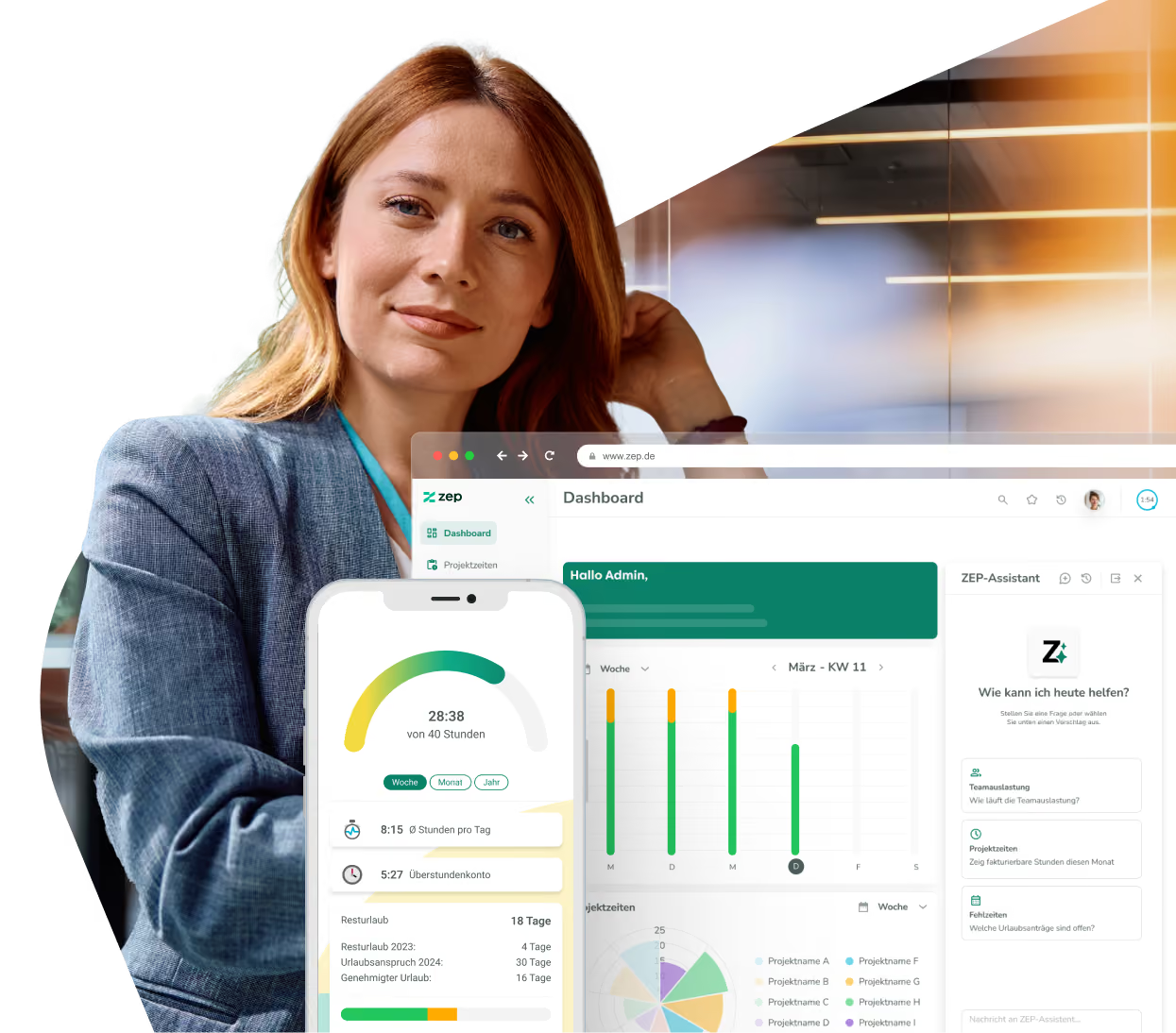
Maintain HR data centrally in Sage HR – and use it automatically in ZEP. With the ZEP Sage HR integration, employee master data and absences flow directly from Sage HR into ZEP. Sage HR remains the leading system, while ZEP always works with current data.


More than 3,000 companies rely on ZEP


Benefits of the Sage HR integration
HR and time tracking in one flow – Sage HR as the leading system, ZEP always up to date.
Transfer employee master data automatically
- First name, last name, email, mobile number, personnel number, and hire date flow directly from Sage HR into ZEP
- New employees in Sage HR are created automatically in ZEP – no manual setup required
- Sage HR remains the leading system – changes there take effect in ZEP right away
Synchronize absences reliably
- Absence reason and start and end dates are transferred from Sage HR
- Full-day and half-day absences are mapped correctly in ZEP
- Long absence periods are automatically split into appropriate segments
Flexibly configurable for your processes
- Define the default price group and cost accounting settings directly during setup
- Freely choose the username scheme for imported employees
- Synchronization covers last year, this year, and next year – past and planned absences included


ZEP in vollem Funktionsumfang 14 Tage kostenlos testen

How to configure the Sage HR integration
Connect Sage HR with ZEP
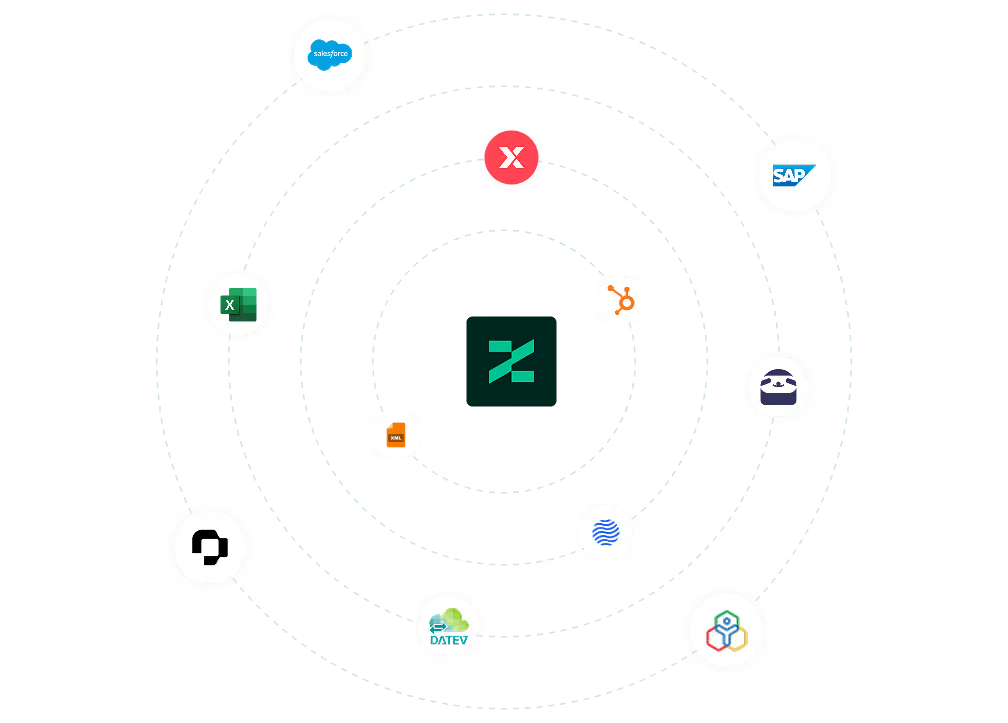
You can find the Sage HR integration in ZEP under Administration > Interfaces > Interface Marketplace. Select Sage HR and click “Add”. To connect, you need an API token and the required credentials from Sage HR.
Once set up, synchronization runs automatically in the background – employees and absences stay up to date in ZEP without manual effort.
You can find all setup details in our Help Center.
FAQ
Frequently asked questions and answers about the ZEP Sage HR integration.
Who is the Sage HR integration with ZEP suitable for?
The integration is suitable for service and consulting companies that use Sage HR for personnel management and ZEP for project time tracking and project controlling. Companies that maintain employee data centrally in Sage HR and want to ensure ZEP always works with current HR data benefit most – without manual duplicate maintenance between both systems.
What is Sage HR and how does it differ from ZEP?
Sage HR is a cloud-based HR system for managing employee data, absences, and HR processes. ZEP is a project time tracking and billing platform for project service providers. The integration connects both worlds: HR data is maintained centrally in Sage HR and is automatically available in ZEP for time tracking, absence management, and project controlling.
Does the Sage HR synchronization work in both directions?
No, the interface transfers data exclusively from Sage HR to ZEP. Sage HR remains the leading system for employee master data and absences. Changes in ZEP are not transferred back to Sage HR. This keeps Sage HR as the central HR data basis while ZEP always works with current data.
How does the Sage HR integration help with project time tracking in ZEP?
For employees to record project times in ZEP, their master data and employment periods must be stored correctly. The Sage HR integration ensures this data stays up to date automatically. New employees are created in ZEP, and absences are directly available for reports and resource planning – without manual rework.
What data is synchronized from Sage HR to ZEP?
The integration transfers employee master data such as first name, last name, email, mobile number, personnel number, and hire date from Sage HR to ZEP. In addition, absences are transferred including absence reason, start and end dates, and whether the absence is full-day or half-day. Long absence periods are automatically split into appropriate segments.
Try ZEP free for 14 days - full access to all features
ZEP is powerful, easy to use and can adapt to your needs. See for yourself!