Salesforce integration for transferring customers and contacts
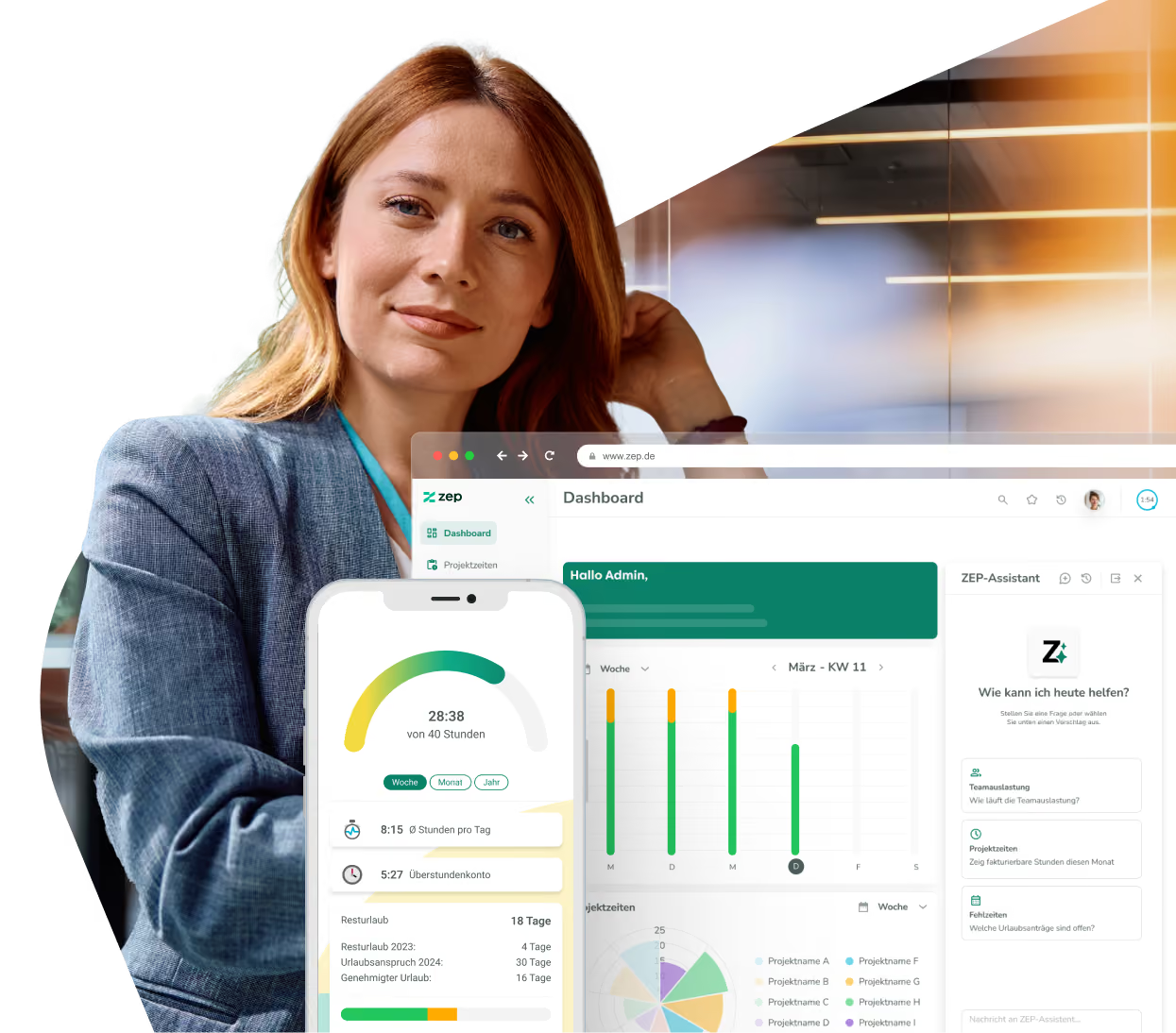
No more duplicate maintenance of customer data. With the ZEP Salesforce integration, accounts and contacts flow automatically from Salesforce into ZEP – including addresses, contact persons, and all relevant master data. Salesforce remains the leading CRM system, while ZEP handles time tracking and billing.


More than 3,000 companies rely on ZEP


Benefits of the Salesforce integration
From CRM opportunity to billable project – without manual data maintenance.
Transfer customer master data automatically
- Account name, address, phone, website, and notes flow directly from Salesforce to ZEP
- Billing and shipping addresses are transferred cleanly separated
- Changes in Salesforce take effect in ZEP automatically with the next import
Synchronize contact persons completely
- Contacts with name, title, email, phone, and mobile number are transferred directly
- Contact persons are immediately assigned to the right customers in ZEP
- No manual creation – new contacts in Salesforce appear automatically in ZEP
Control synchronization flexibly
- A custom field in Salesforce controls which accounts are transferred to ZEP
- The link for individual customers can be removed and restored at any time
- Choose between a complete import or only changes since the last sync


ZEP in vollem Funktionsumfang 14 Tage kostenlos testen

How to configure the Salesforce integration
Connect Salesforce with ZEP
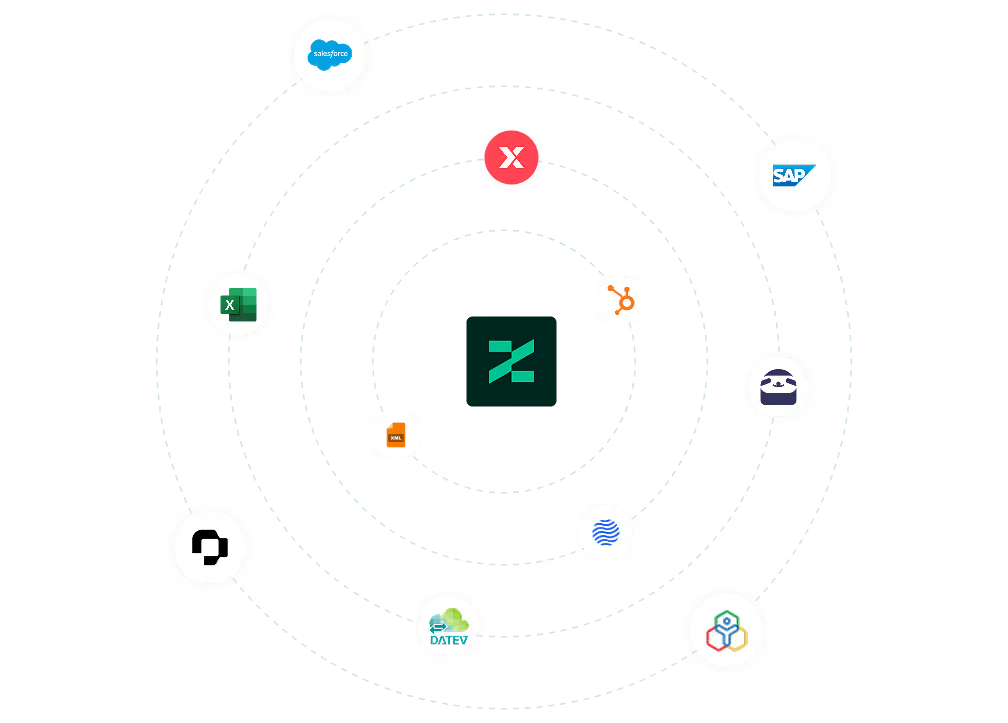
Setup takes just a few minutes. In ZEP, enter your Salesforce username, password, and security token under Administration > Interfaces > Salesforce. Then start the first complete import – all accounts and contacts are transferred directly to ZEP.
For subsequent imports, you can choose whether to import only changes since the last sync or all data again.

FAQ
Frequently asked questions and answers about the ZEP Salesforce integration.
Who is the Salesforce integration with ZEP suitable for?
The integration is suitable for consulting and service companies that use Salesforce as their CRM and ZEP for project management and time tracking. Teams that want to seamlessly turn won customer relationships from Salesforce into billable projects benefit most – without maintaining master data manually in two systems.
What is the difference between ZEP and Salesforce – and why do I need both?
Salesforce is a CRM system for managing customer relationships, sales processes, and contacts. ZEP is a project time tracking and billing software for service providers. The integration connects both worlds: customer data from Salesforce flows automatically into ZEP, where projects are immediately bookable and billable – without duplicate data maintenance.
Does the Salesforce synchronization work in both directions?
No, synchronization runs one way from Salesforce to ZEP. Salesforce is the leading system for customer master data. As long as a customer is linked to Salesforce, their data cannot be changed manually in ZEP. To edit a customer in ZEP, you can remove the link at any time via “Remove Salesforce customer flag”.
Can I control which Salesforce accounts are transferred to ZEP?
Yes. If you create a custom checkbox field named “ZEP” in Salesforce, only the accounts with this field enabled are imported into ZEP. This gives you full control over which customers appear in ZEP – without having to transfer all Salesforce data.
What data is synchronized from Salesforce to ZEP?
The integration transfers Salesforce accounts as customer data to ZEP – including name, address, phone, website, and notes. In addition, all linked contacts are created as contact persons in ZEP with name, title, email, phone, and mobile number. Billing and shipping addresses are transferred separately.
Try ZEP free for 14 days - full access to all features
ZEP is powerful, easy to use and can adapt to your needs. See for yourself!