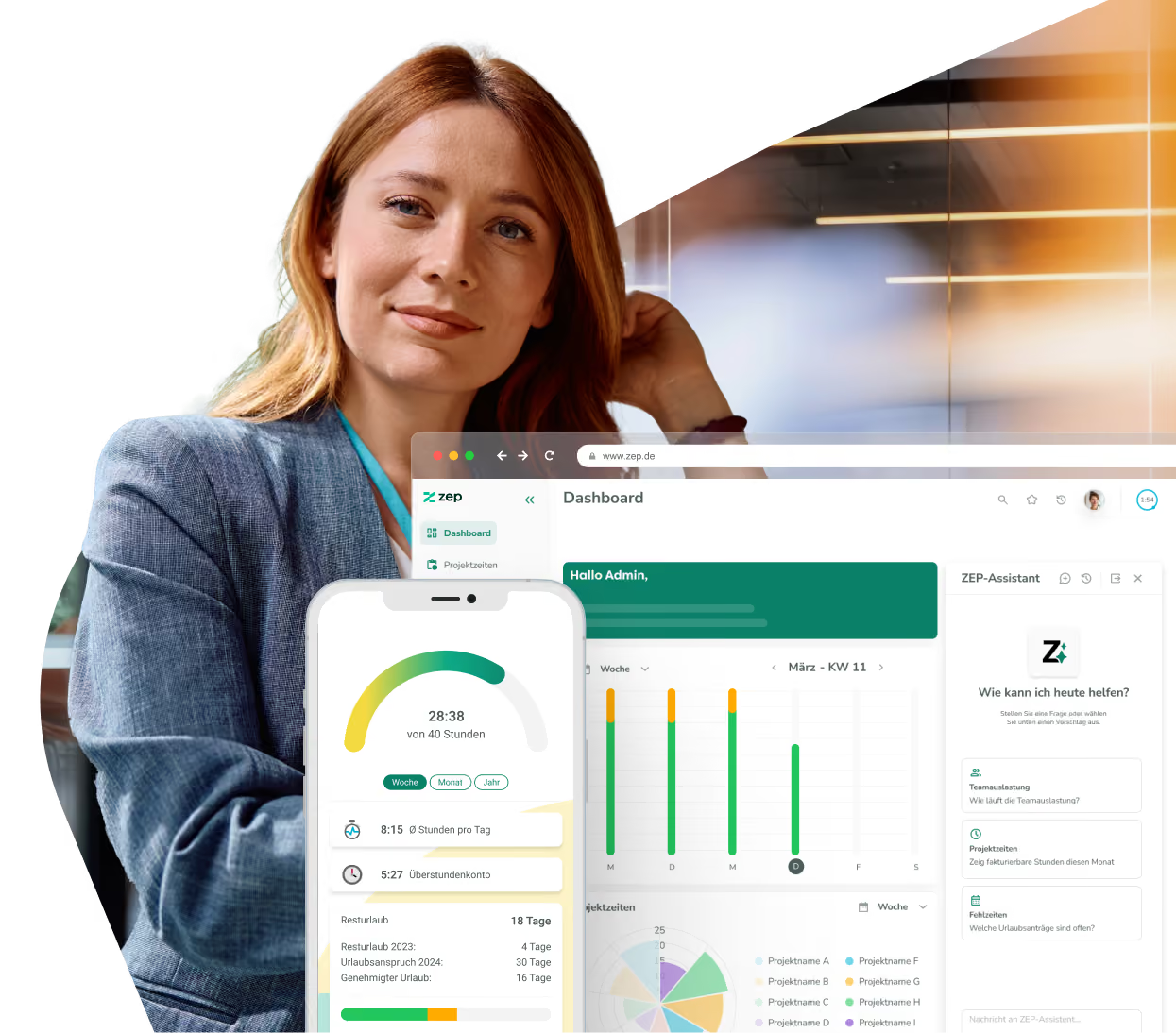
ZEP MCP: your AI application works directly in ZEP
ZEP MCP is the interface through which AI applications such as Claude or ChatGPT access ZEP. Ask your AI for the project budget, have it fill in your week or create a ticket, without switching systems. With your permissions, after your confirmation.


More than 3,000 companies rely on ZEP


Benefits of ZEP MCP
ZEP becomes the connecting point in your everyday AI work, without giving up control.
ZEP where you already work
- Book project hours, retrieve reports, maintain projects and tickets, directly from your AI application
- No switching between systems, no second window
- The same tools as in the ZEP Assistant, just in your usual place
From data to results
- Claude or ChatGPT retrieve the figures from ZEP and process them right away
- The status report as a PDF, utilization as a spreadsheet, the project overview as a presentation
- ZEP data can be combined with everything else connected to your AI application
Full control
- The AI only sees and changes what the signed-in person is allowed to in ZEP
- Every change first appears as a preview and is only carried out after your confirmation
- Administrators switch off the interface for the entire tenant with one click


ZEP in vollem Funktionsumfang 14 Tage kostenlos testen

How to connect ZEP MCP to your AI application
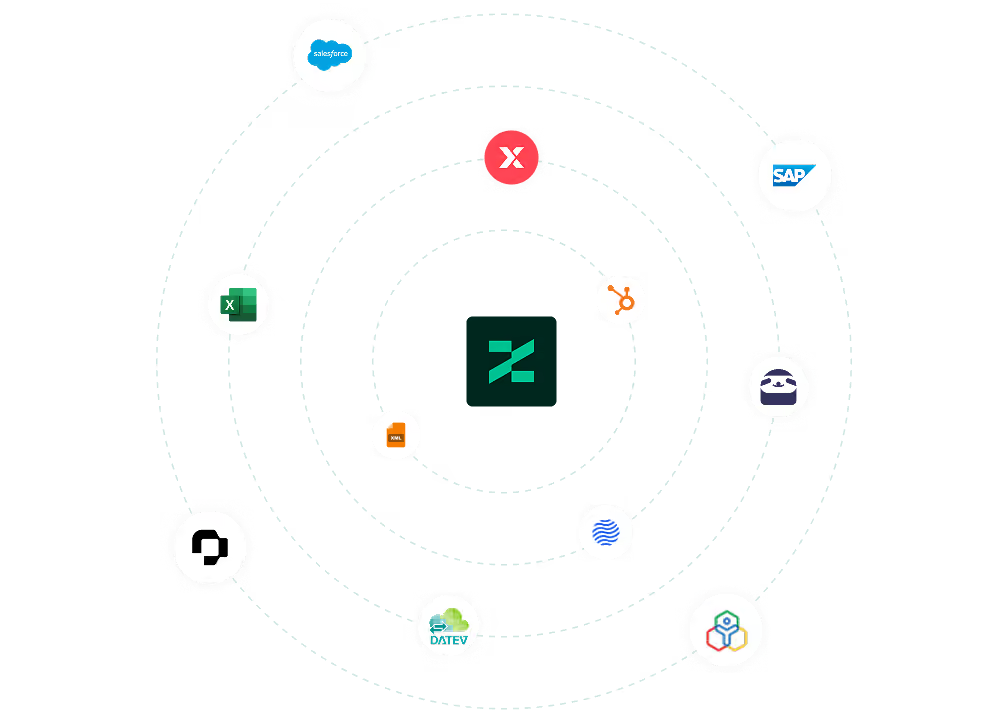
Set up ZEP MCP
Setup follows the familiar interface principle. Copy the MCP server address in ZEP; it is provided there and is the same for all customers. Then add ZEP as a connector in your AI application, such as Claude or ChatGPT, and enter the address, for individual users or company-wide.
The first time, sign in with your usual ZEP login, including single sign-on, and confirm the connection. From then on, the same permissions apply as in ZEP itself.
You can find all setup details in our Help Center.
FAQ
Frequently asked questions and answers about ZEP MCP.
Does ZEP MCP cost extra?
No. Like all interfaces, ZEP MCP is included in every product line at no extra cost. All you need is an AI application that supports the Model Context Protocol.
What data does the AI see, and can it change anything?
The AI only sees and changes what the signed-in person is allowed to in ZEP. There is no special access for machines and no access for former employees. Every change first appears as a preview and is only carried out after your confirmation. Administrators can also switch off the interface for the entire tenant.
Which AI applications work with ZEP MCP?
ZEP MCP works with all AI applications that support the Model Context Protocol, for example Claude or ChatGPT. Because MCP is an open standard, you are not tied to any provider and choose the AI application yourself.
How does ZEP MCP differ from the ZEP Assistant?
Both offer the same tools, just in a different place. The ZEP Assistant, the AI chat in ZEP, works in the chat window inside ZEP. ZEP MCP brings the same functions into the AI application your team already works with. There, ZEP data can be processed further right away, for example as a PDF report, Excel spreadsheet or presentation, and combined with everything else connected there. Storing receipts and attachments in ZEP is still only possible in the ZEP Assistant.
What is ZEP MCP?
ZEP MCP is the interface through which an AI application accesses ZEP. MCP (Model Context Protocol) is an open standard that lets AI applications work with business systems. ZEP provides its own MCP server for this. In the AI application of your choice, you can then do what you do in the ZEP Assistant today: book project hours, retrieve reports, and maintain projects, clients, tickets and receipts.
Try ZEP free for 14 days - full access to all features
ZEP is powerful, easy to use and can adapt to your needs. See for yourself!