Hour Timesheet Excel & PDF template
You can use the ZEP time sheet to inform your customers about the hours worked by your project staff. Based on the time sheet in Excel or as a PDF, they can then issue their project invoices to customers, for example.
Element manager
MACHE JETZT EINE TESTVERSION
#

Vermeiden Sie rechtliche Risiken – wechseln Sie von Excel zu ZEP
Paper-based time sheets are prone to errors and difficult to understand. ZEP automates documentation and creates professional reports for customers — digital, team-oriented & legally compliant.
Ohne ZEP
Mit ZEP


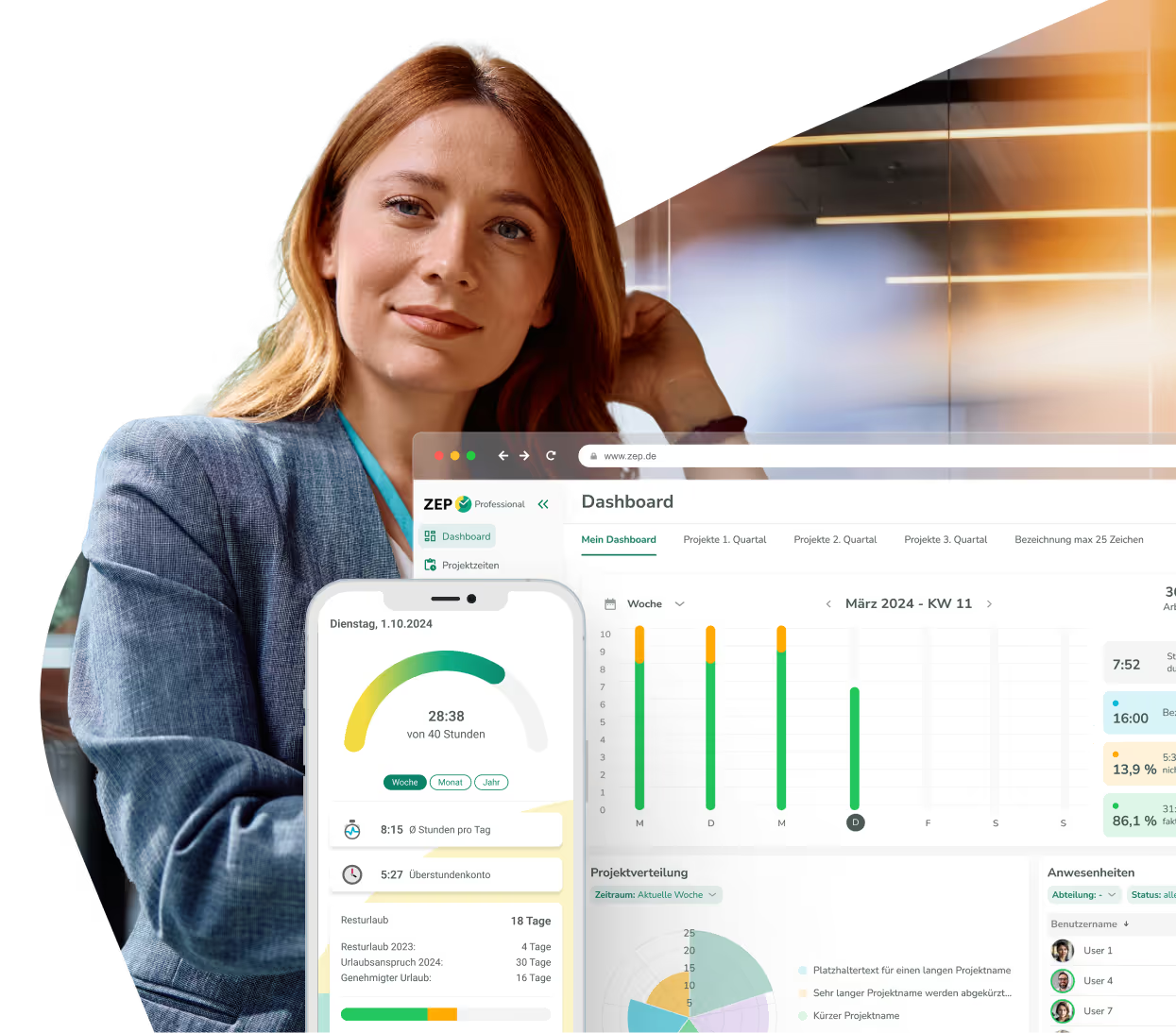
Digital solution instead of Excel and PDF?

Use cases of Timesheet template


FAQ about the timesheet template
How does the timesheet template support my project billing?
The Timesheet allows you to inform customers about the hours worked by your project staff. Based on this proof in Excel or as a PDF, you can efficiently generate project invoices for your customers.
What are the benefits of a timesheet template in Excel or PDF?
You can record all time spent verifiably and clearly document both project times and small orders. In addition, this timesheet template in Excel or PDF offers the option of recording working times together with the tasks carried out.
How do I use the timesheet template?
They conveniently record all working and break times in hh:mm format. The actual working time worked is automatically calculated using the stored formulas. In this timesheet template, you can optionally add comments — such as absenteeism due to illness or vacation.
How is the digital time sheet structured with ZEP?
With digital time sheets in ZEP, you always have an overview, both in small and large teams. The solution makes it easier to clearly display times, even as the volume of data grows, and ensures that manually entered times are presented simply and effectively.
templates for working hours, vacations, travel expenses and projects


Digitale Lösung anstatt PDF und Excel gefällig?
ZEP is powerful, easy to use and can adapt to your needs. See for yourself!