Project time tracking Excel template
With this project plan template, you can easily and free of charge do your project planning with Excel. <br>Projects are documented on the basis of automated formulas and relationships. <br>By using the project planning template, you can meet legal requirements.
Element manager
MACHE JETZT EINE TESTVERSION
#

Vermeiden Sie rechtliche Risiken – wechseln Sie von Excel zu ZEP
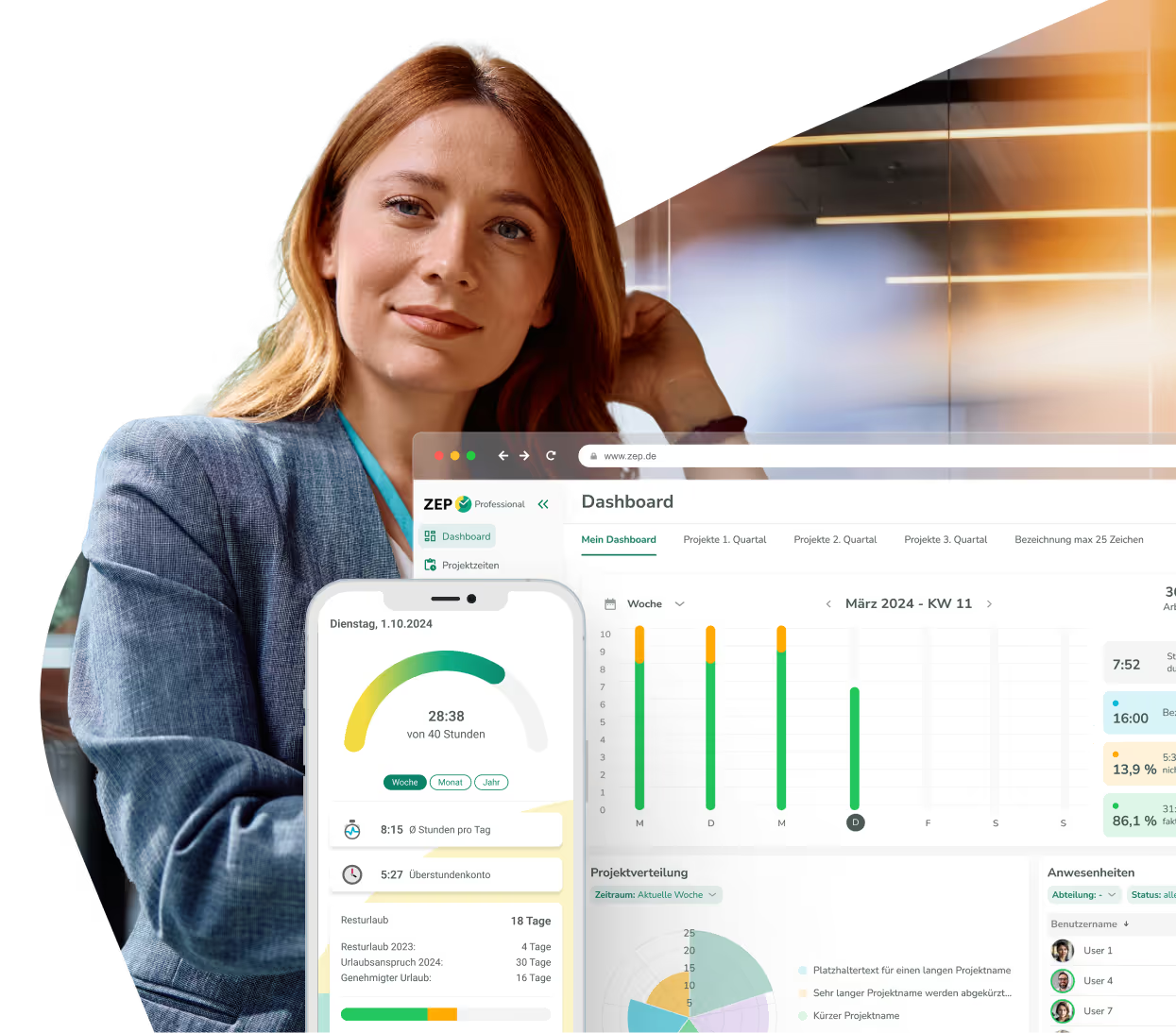
Manual project time recording in Excel is confusing and time-consuming. ZEP automates the entire project time recording with real-time tracking — precise, mobile and a team player.
Ohne ZEP
Mit ZEP


Digital solution instead of Excel and PDF?

Use cases for Project time recording template


Project time recording template FAQ
How do I use the free project time tracking template in Excel or PDF?
- The team members entered in the document header can be selected from a drop-down menu of the individual activities and appear at the bottom of the table
- After the date of the activity has been entered, the day of the week is automatically added and, in the case of a Saturday or Sunday, the series is colored light gray
- A date that is before the start of the project is not permitted
- All you have to do is enter the time of the start of work, the end of work and the break, the rest is filled in automatically
- At the bottom of the table, the automatically calculated working hours per team member as well as the total accrued project time are displayed
What are the benefits of the project time tracking template?
The free project time recording template offers the advantage of completing the complete recording of project times in an Excel file. Excel can be extended to any number of employees and projects.
Does ZEP offer a way to digitally record project times?
Yes, Project Time Recording is Zep's flagship. ZEP Compact Contains all basic functions for detailed time recording of projects and, thanks to its modular structure, can be extended with countless additional functions and modules.
templates for working hours, vacations, travel expenses and projects


Digitale Lösung anstatt PDF und Excel gefällig?
ZEP is powerful, easy to use and can adapt to your needs. See for yourself!